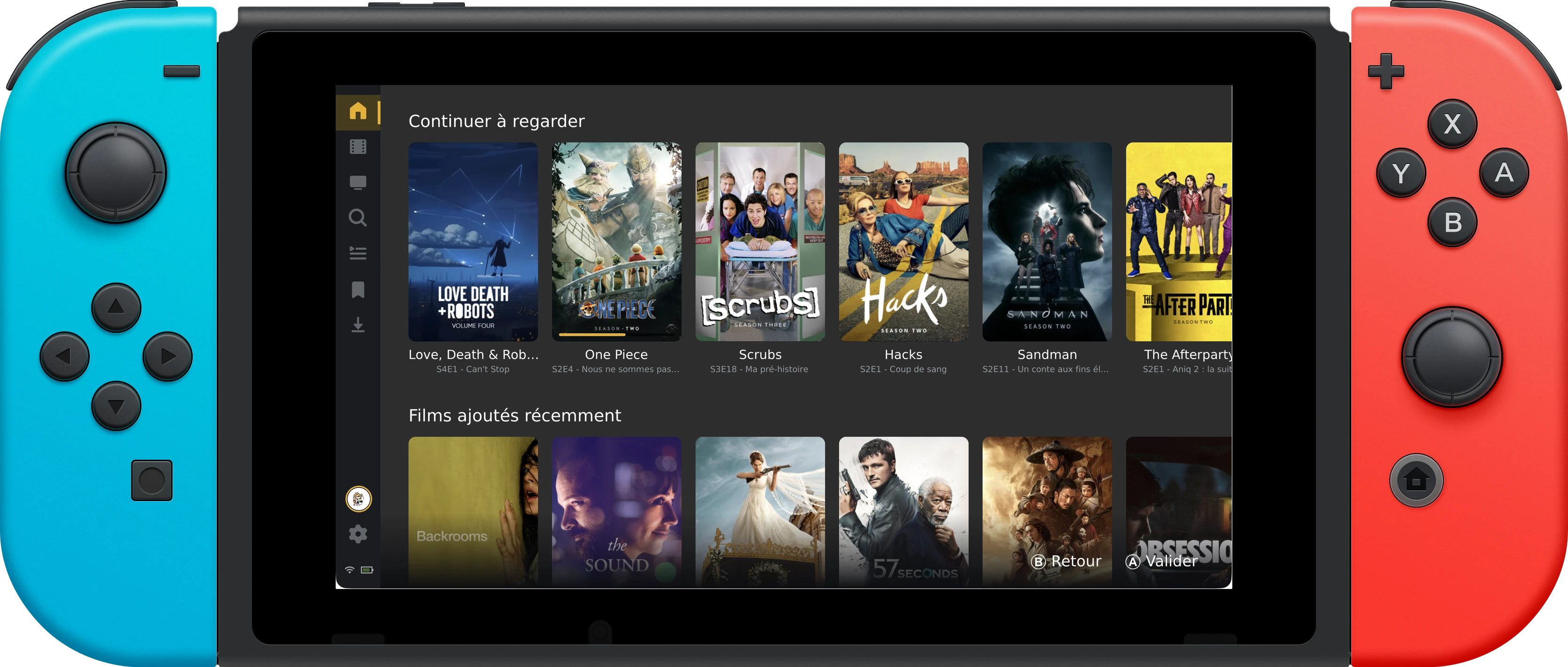
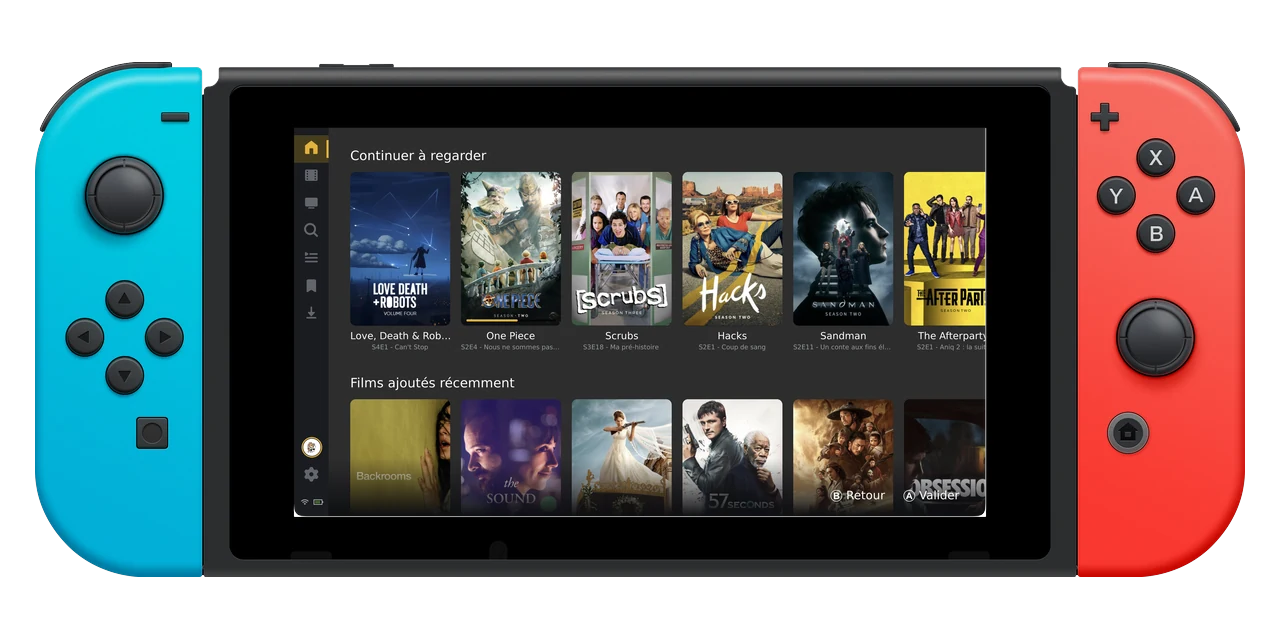
Handheld · docked
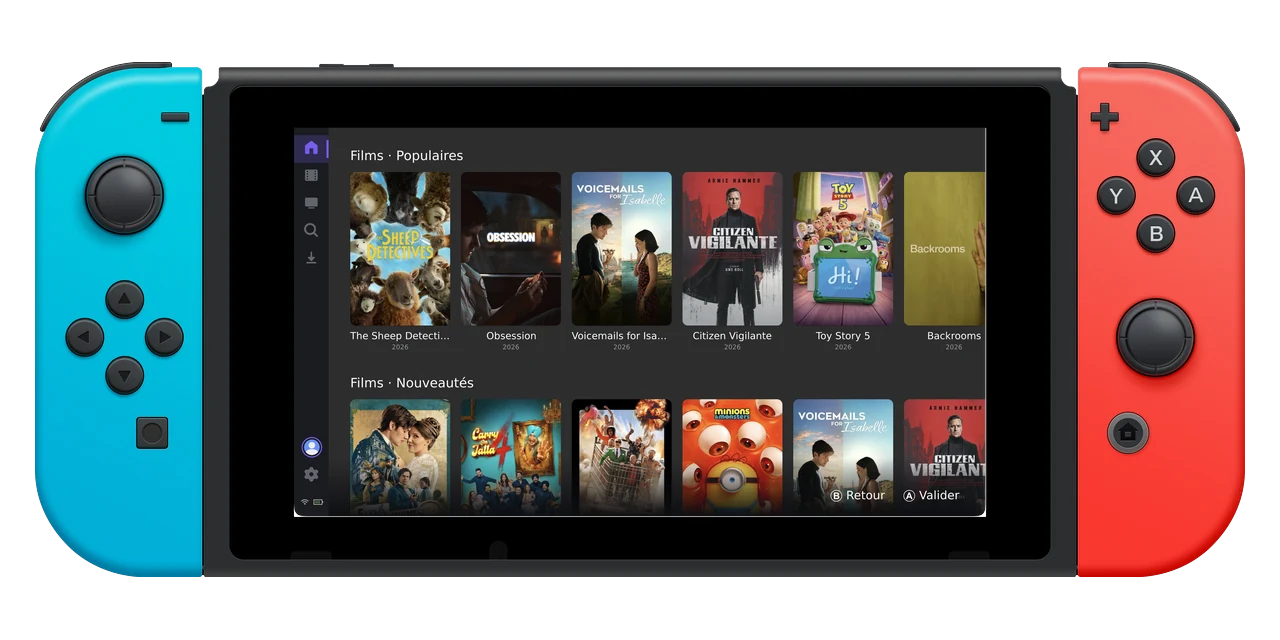
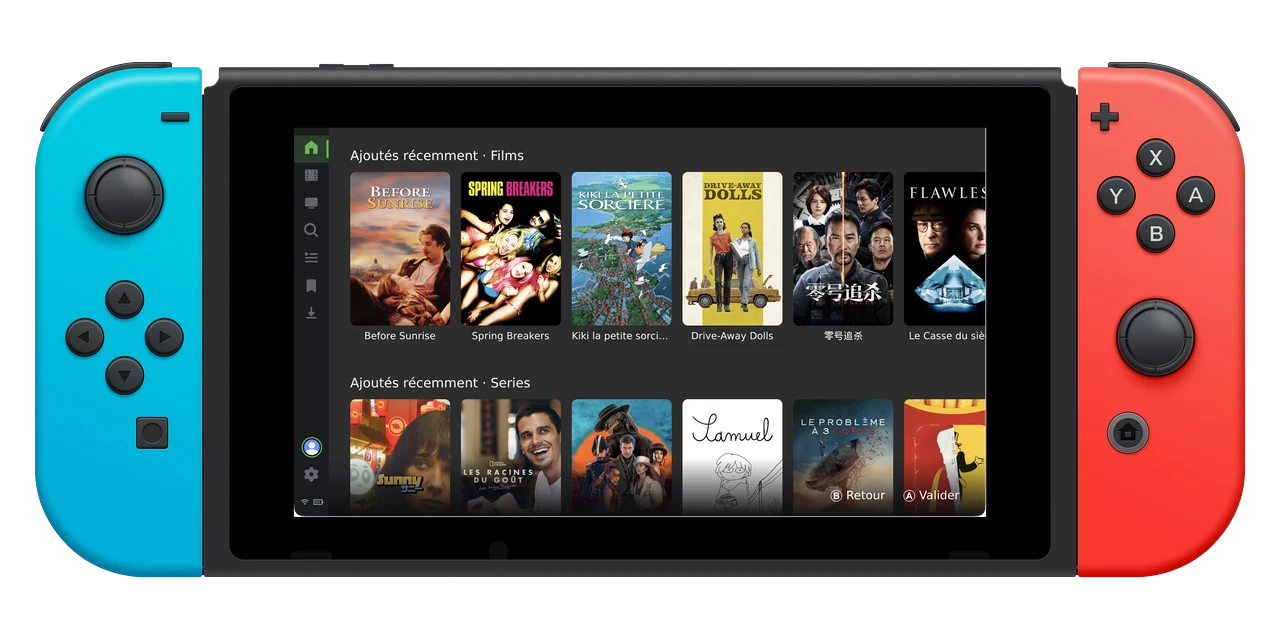
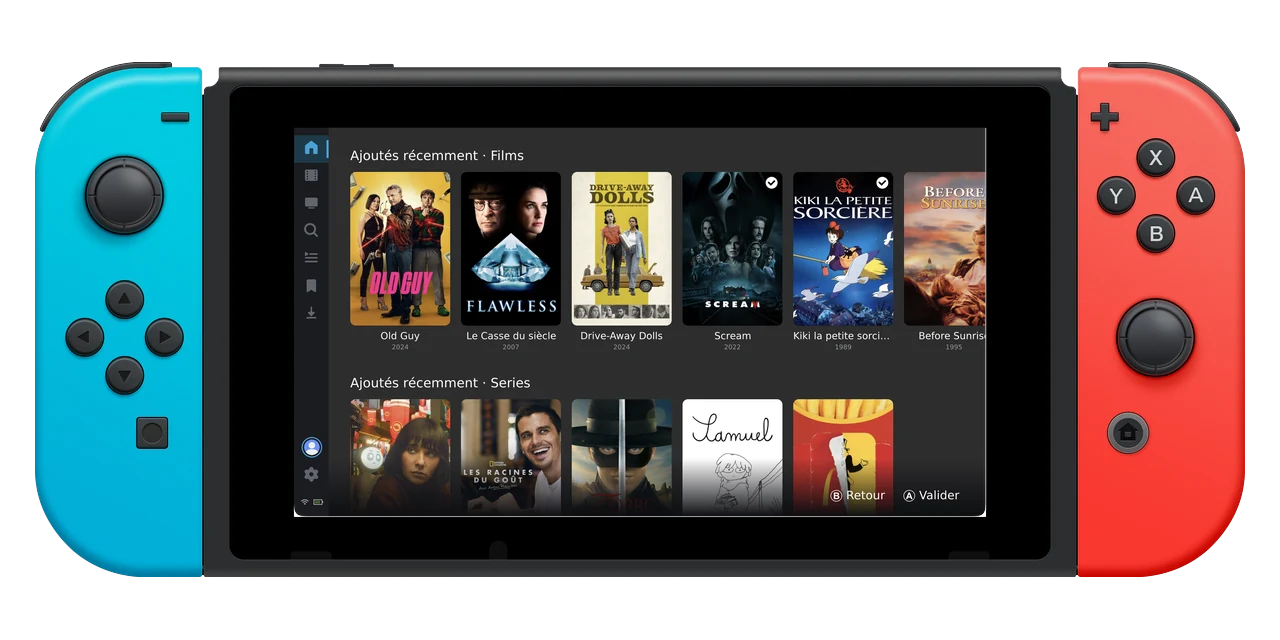
Nintendo Switch
The console in the drawer becomes a full media center. A native build on Atmosphère CFW, docked to the TV or handheld in bed.
 GMCA
GMCA
Gamepad Media Center Aggregator
Controller-first client
GMCA
GMCA
Gamepad Media Center Aggregator
Controller-first client
GMCA is one gamepad-first client. Point it at any media center, and run it on any device you left in a drawer.
Free & open source · Not affiliated with Plex · Jellyfin · Emby · Stremio
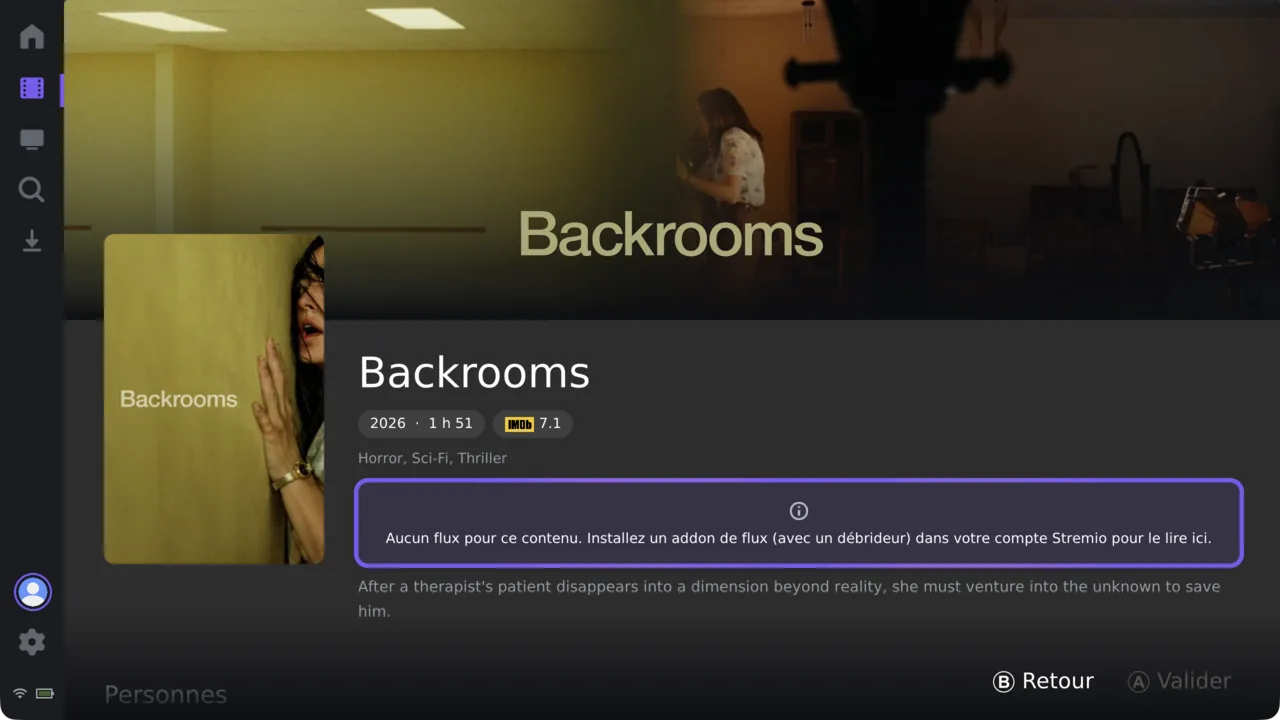
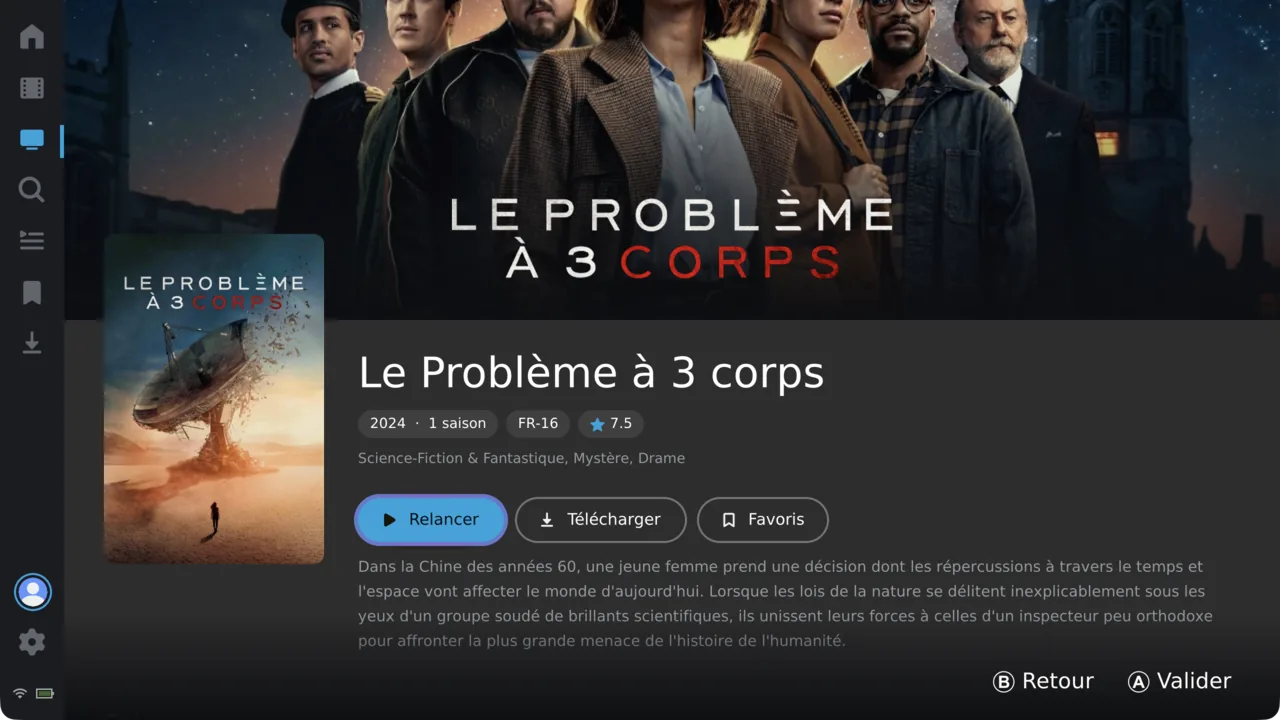
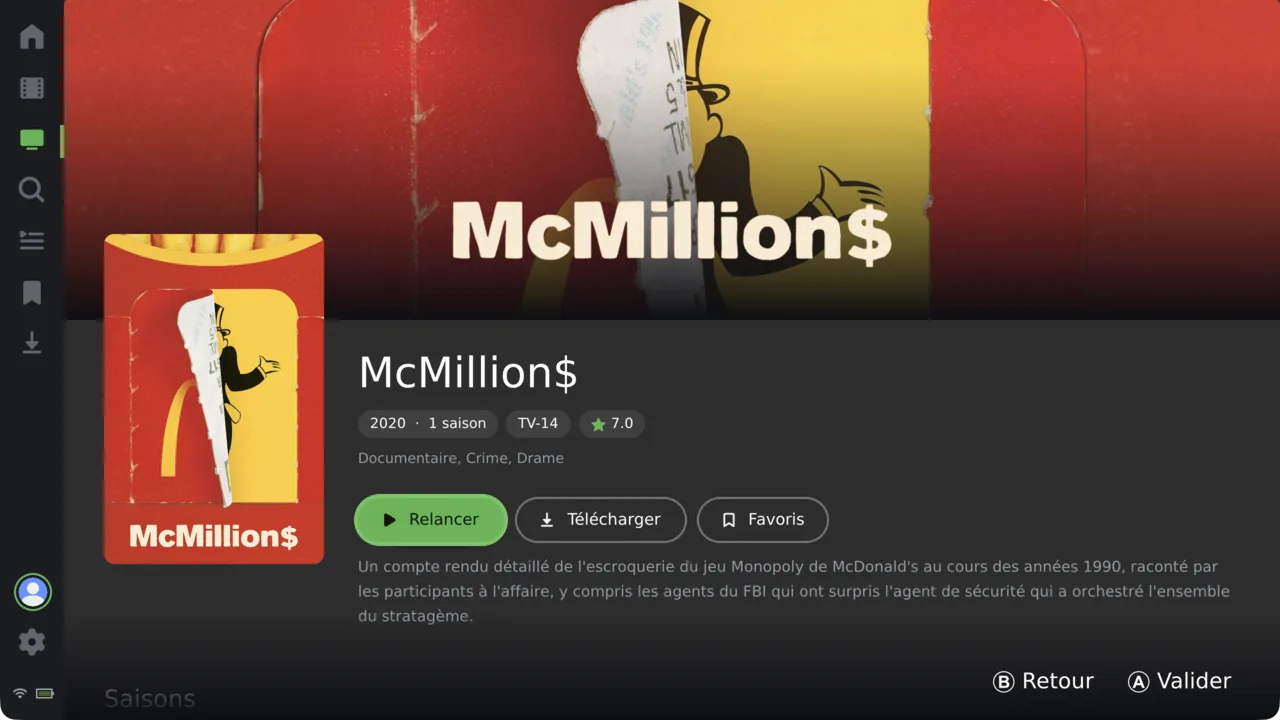
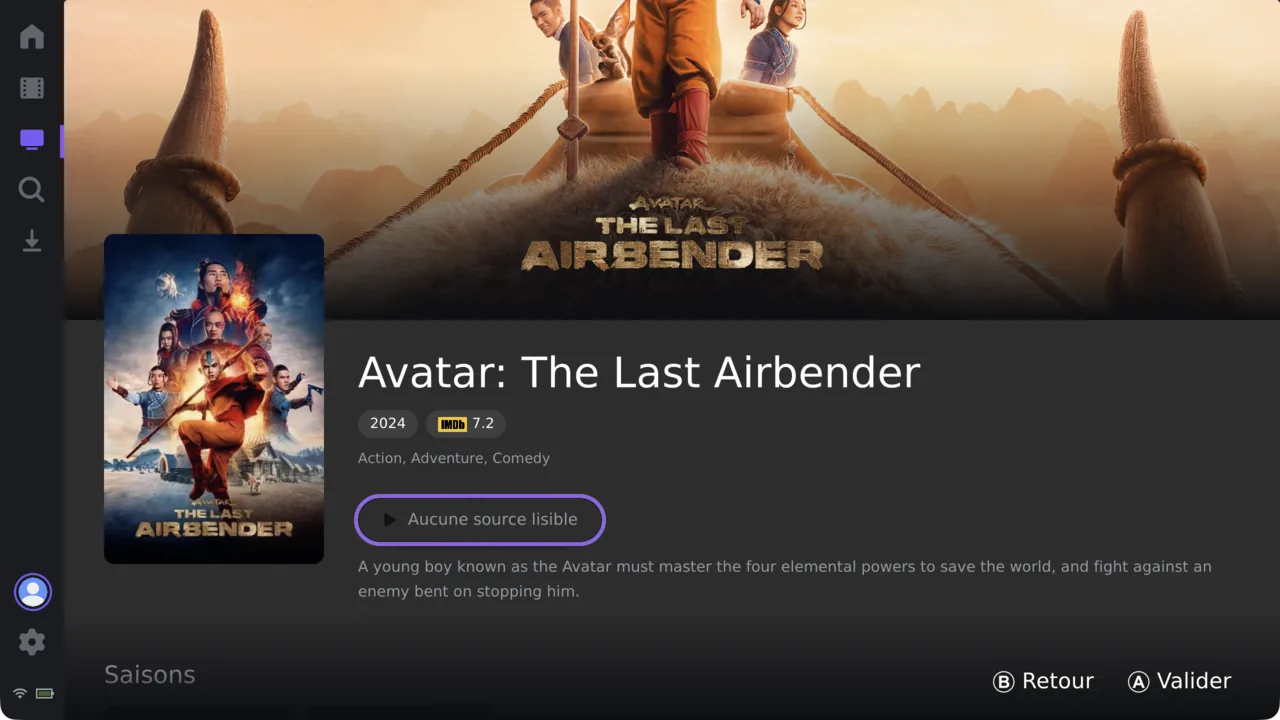
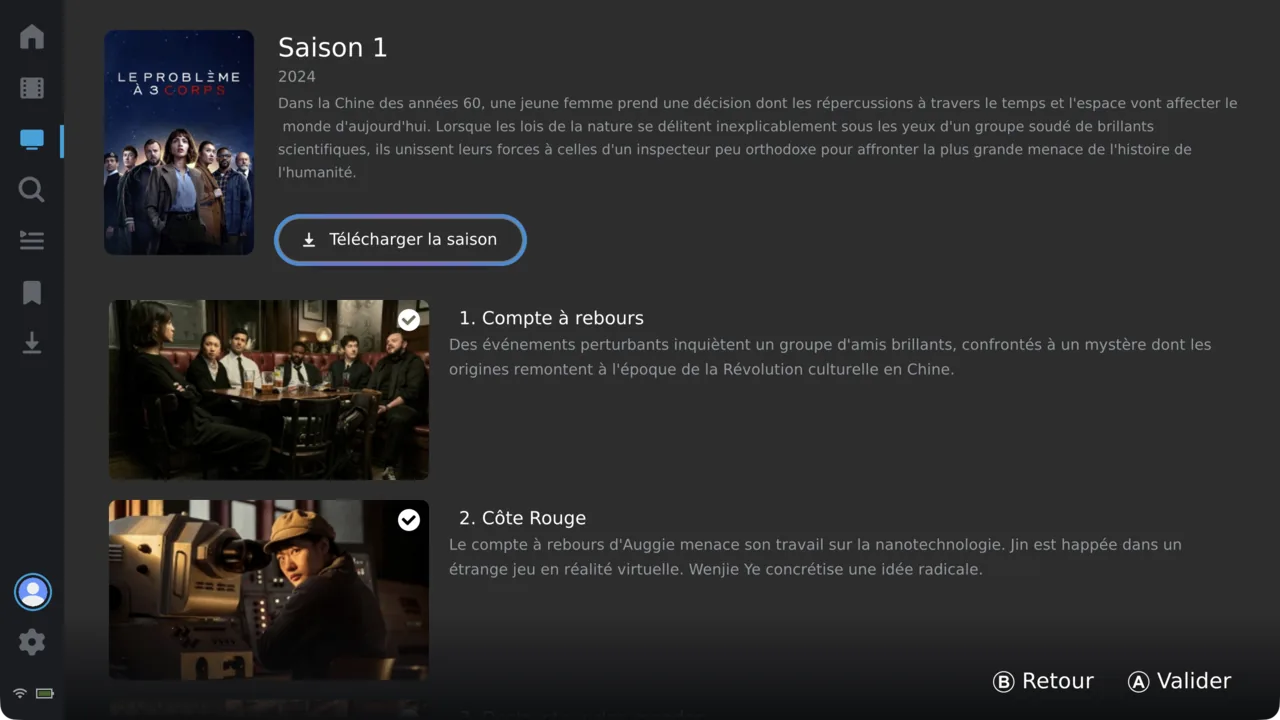
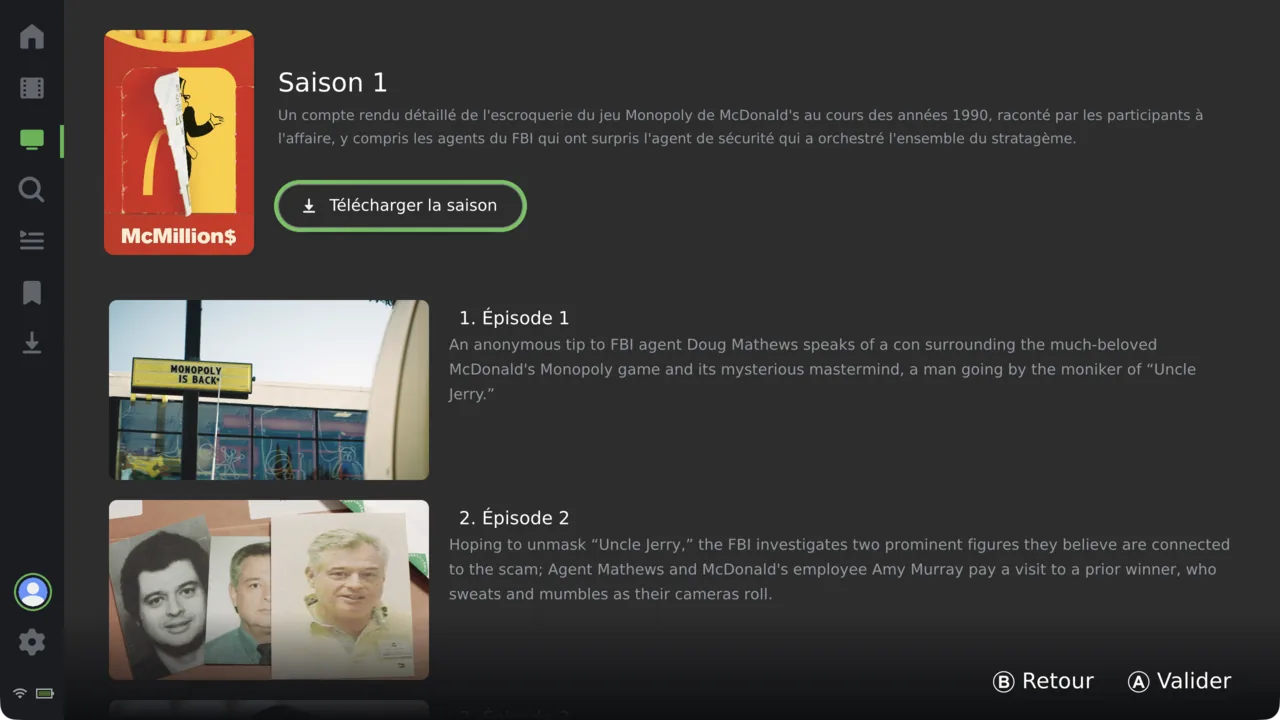
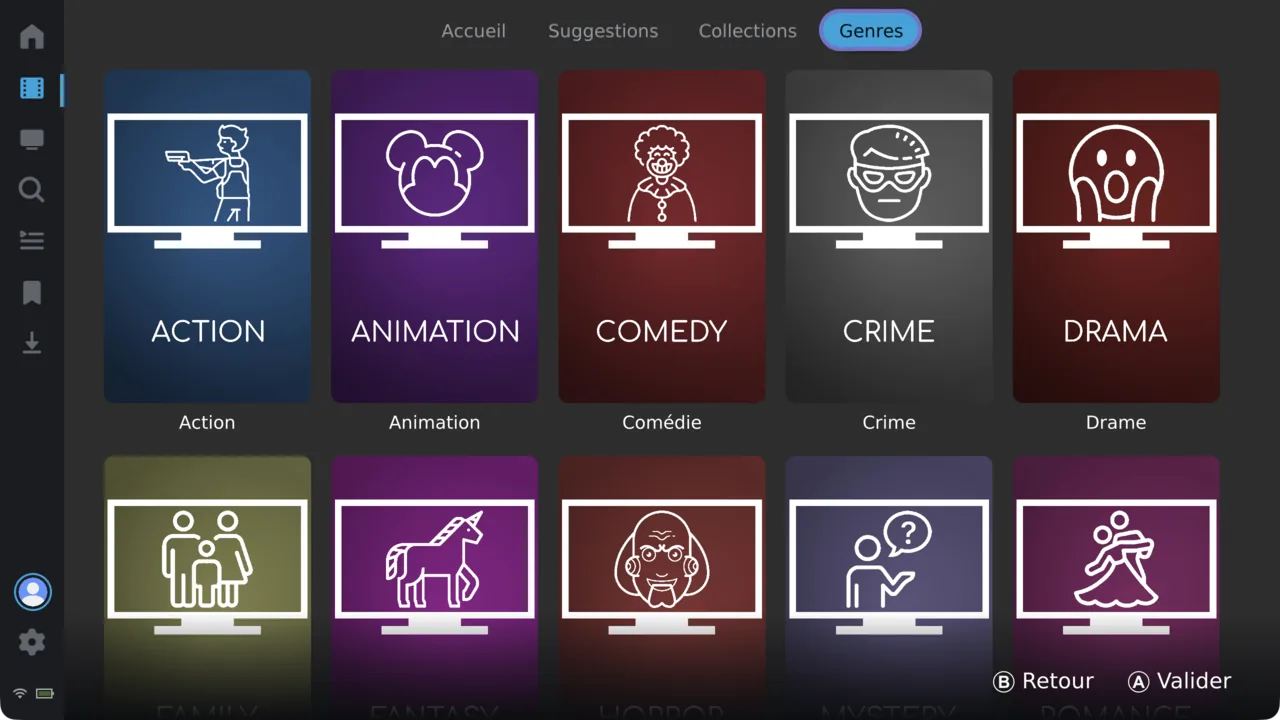
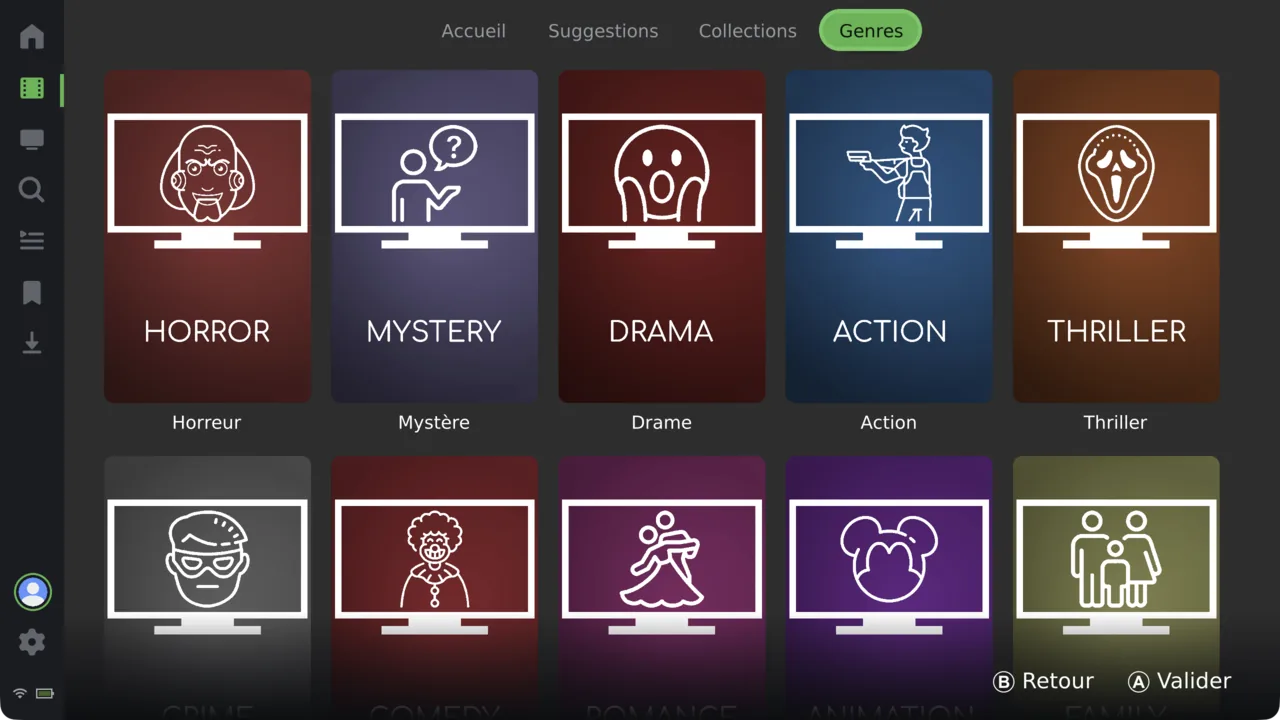
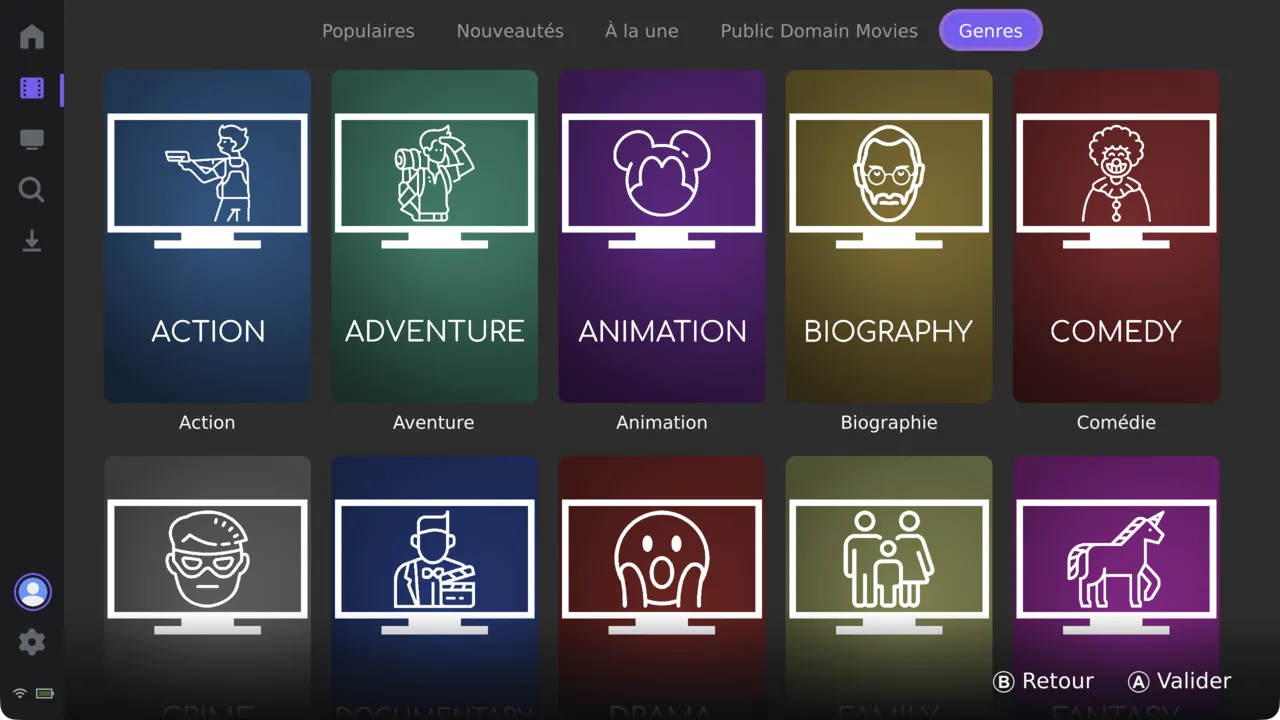
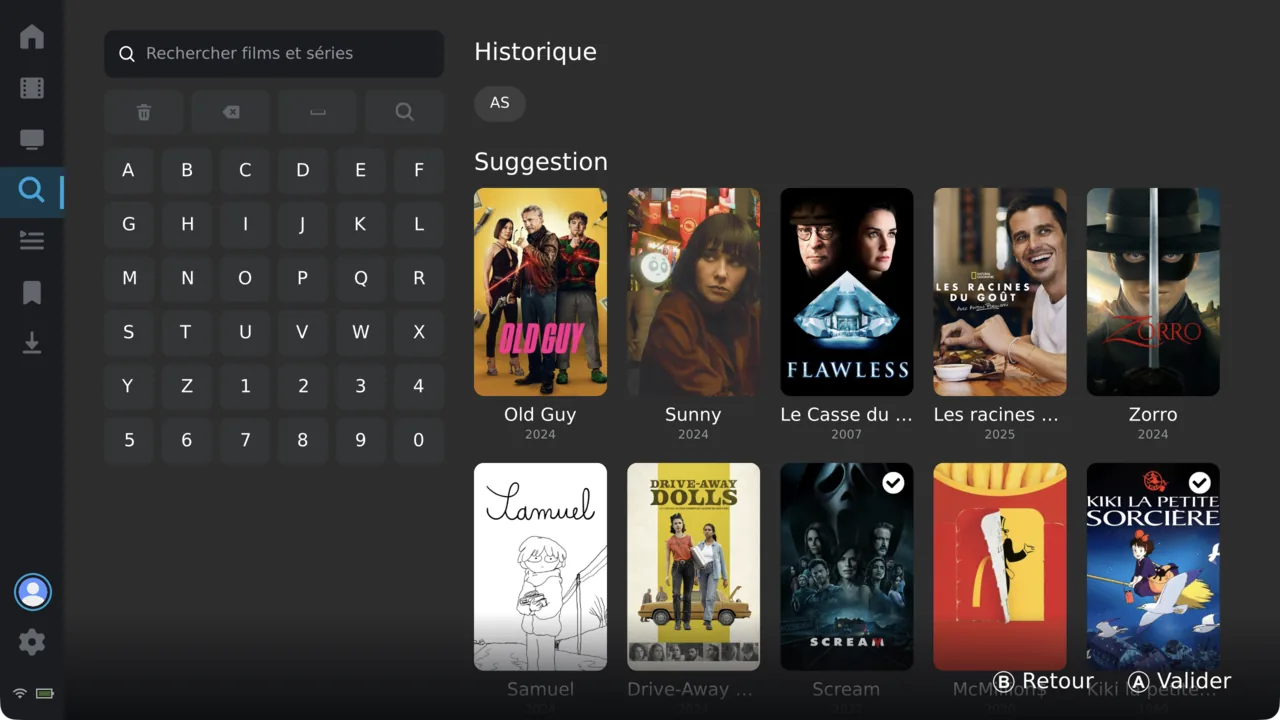
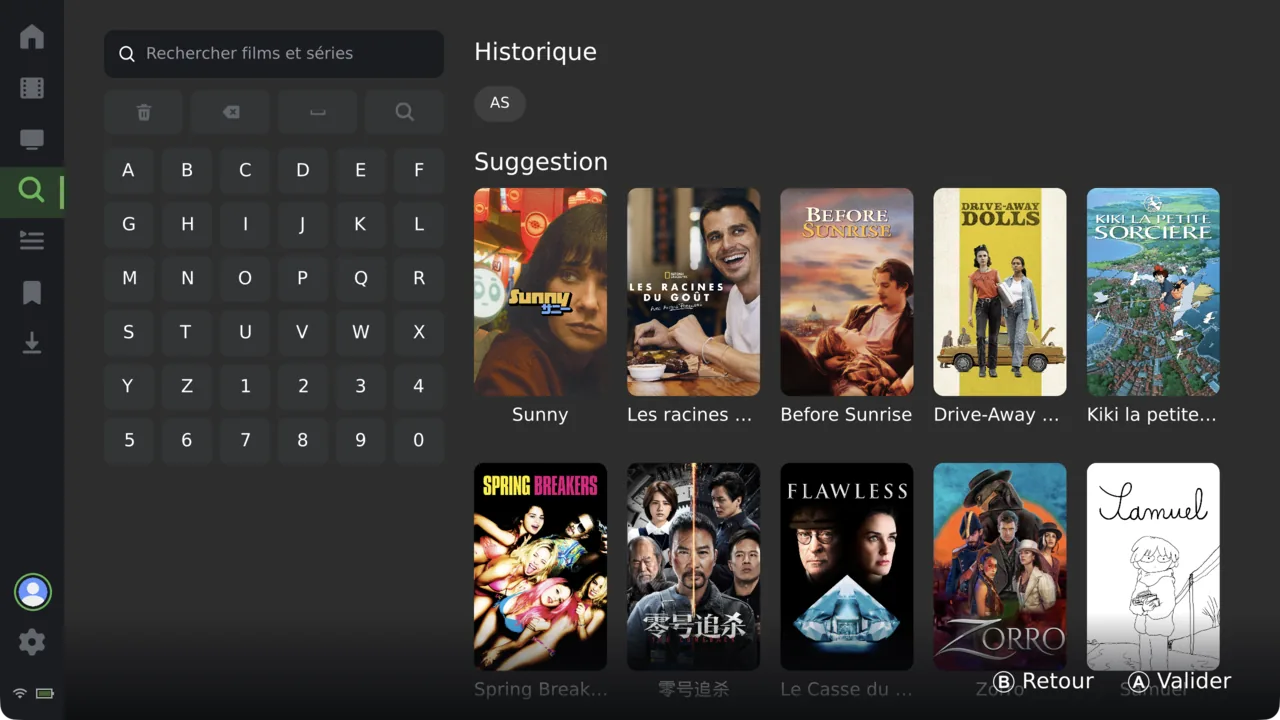
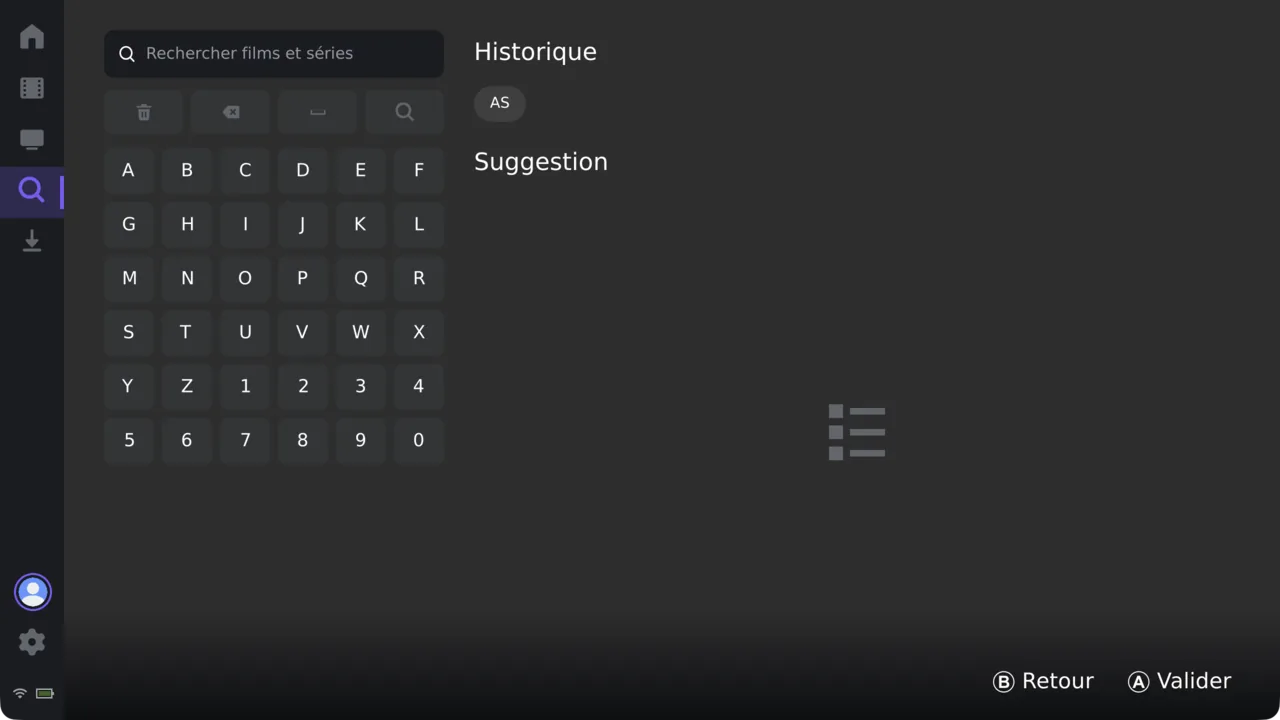
Point GMCA at whatever you already run. Each source brings its own colour and its own tabs — but the way you browse, search and play never changes.
Connection switcher · every server and profile side by side, no re-login
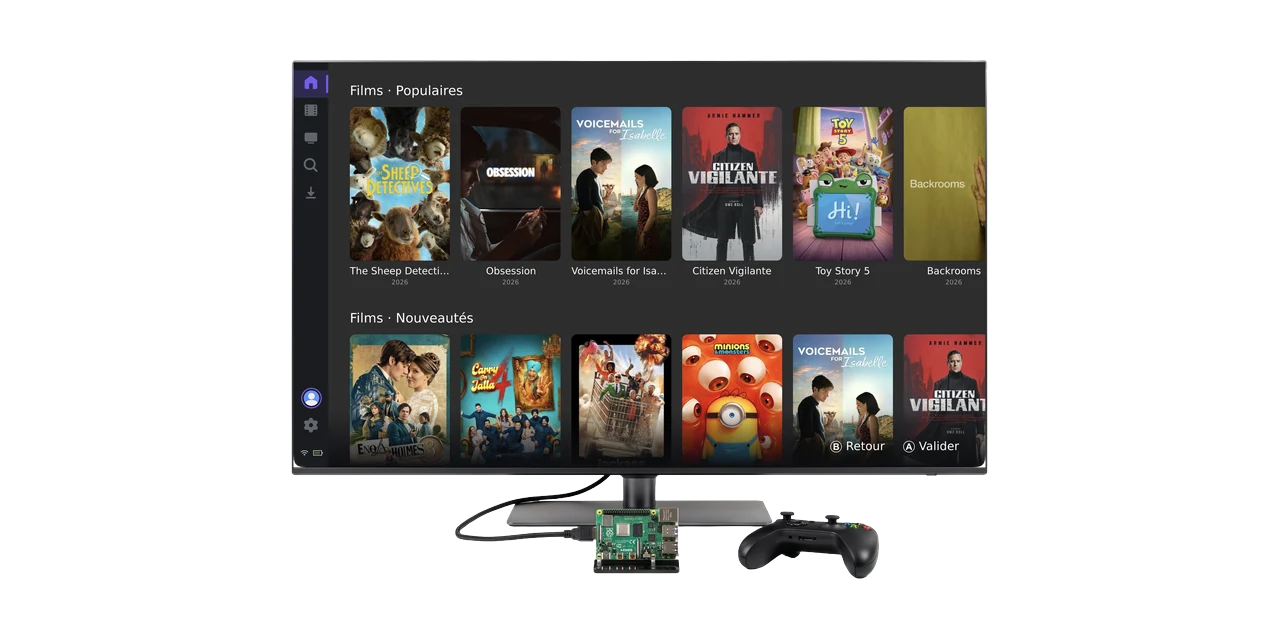
The big media-server apps stop at phones, TVs and computers. GMCA goes further — to the game consoles in the drawer and the Raspberry Pi wired to the TV — with a native, gamepad-first build for each.
Handheld · docked
The console in the drawer becomes a full media center. A native build on Atmosphère CFW, docked to the TV or handheld in bed.
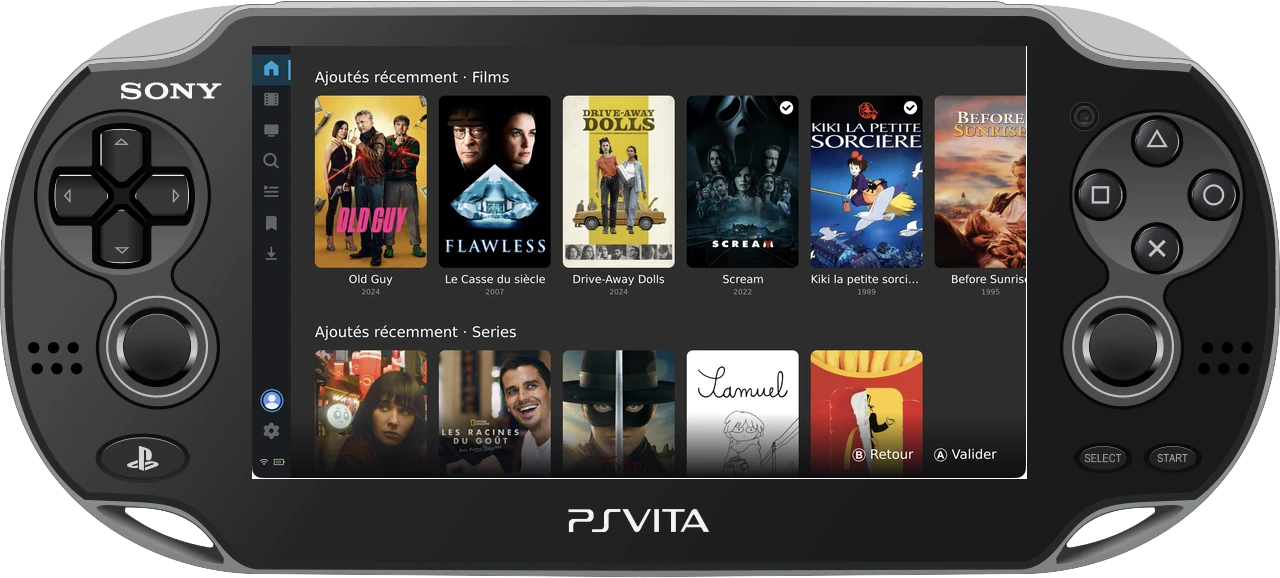
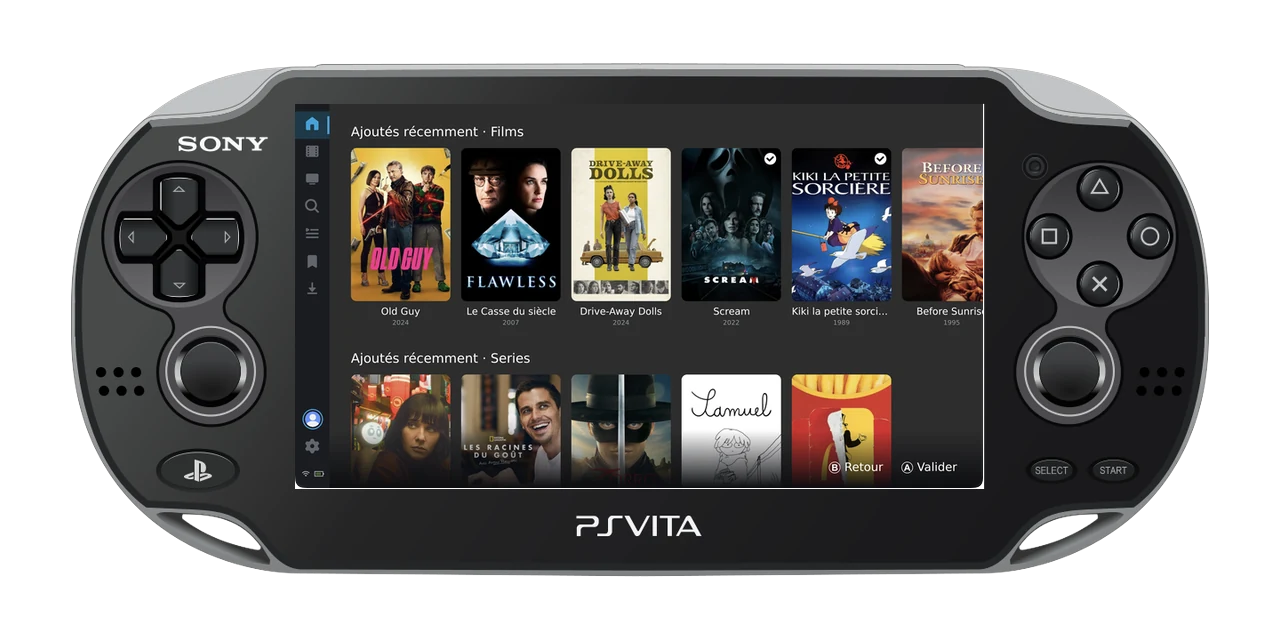
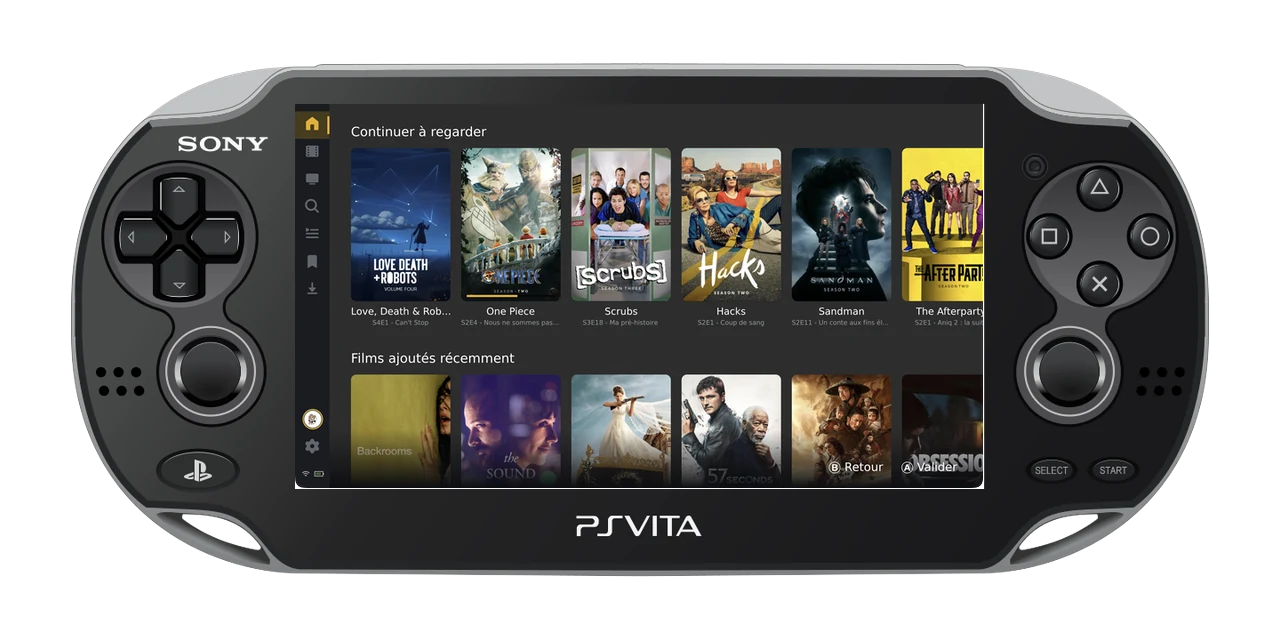
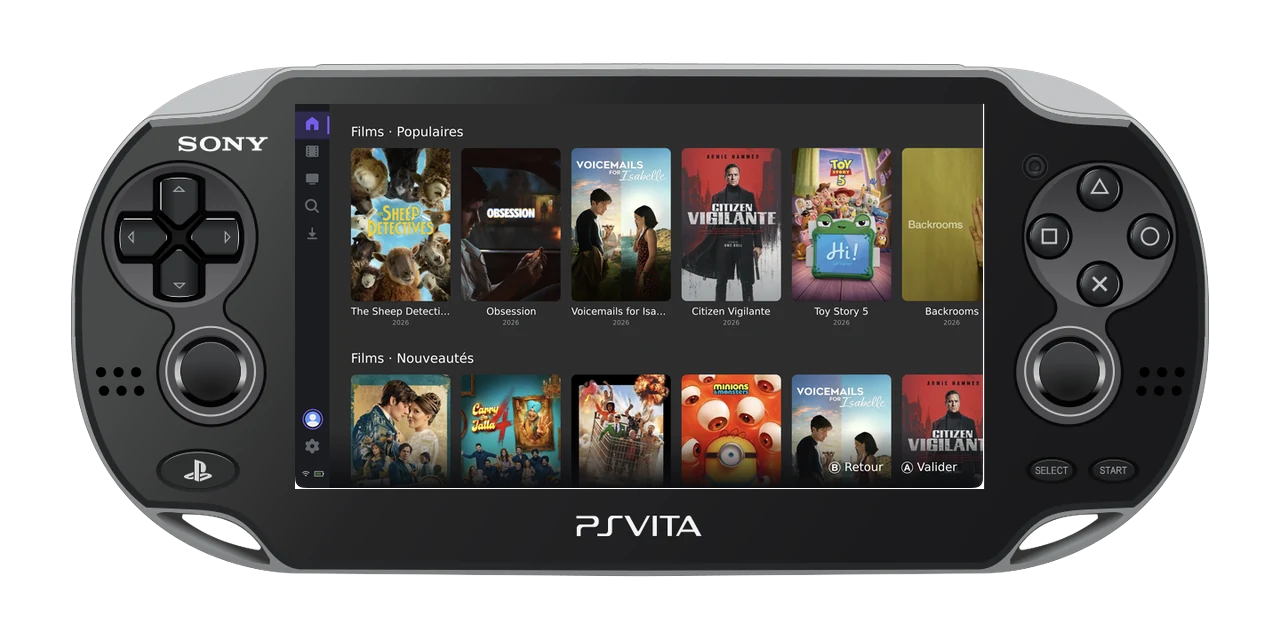
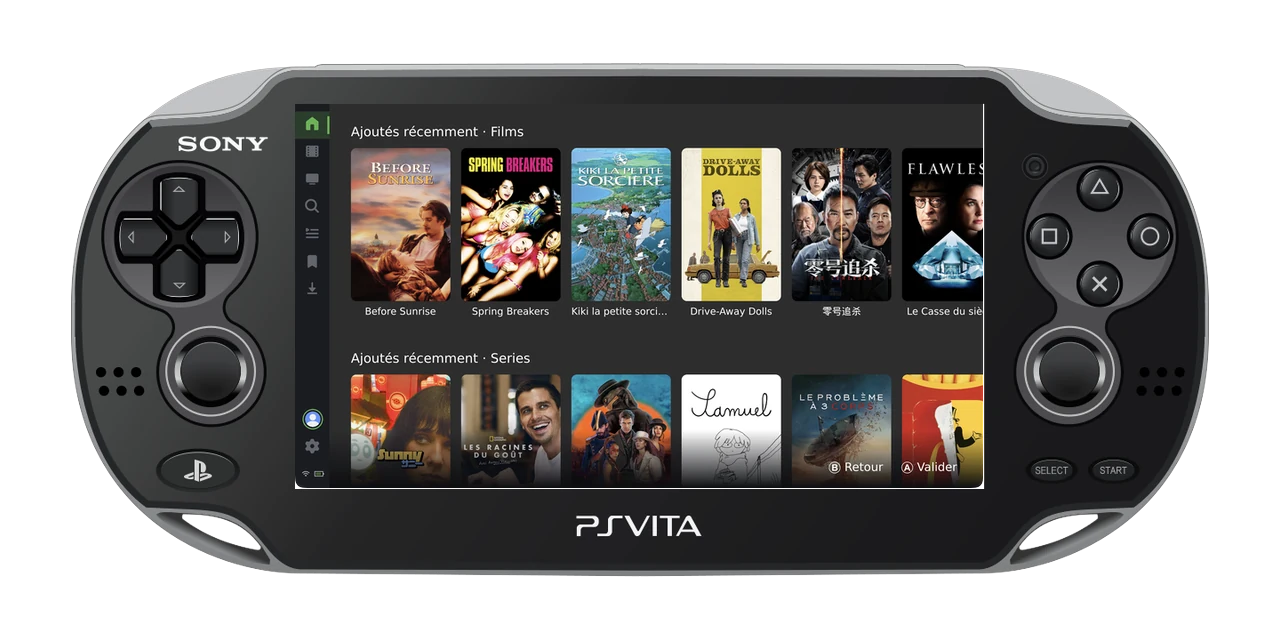
Pocket · OLED
That gorgeous OLED finally earns its keep again. A native player, tuned to what the Vita's hardware can really do.
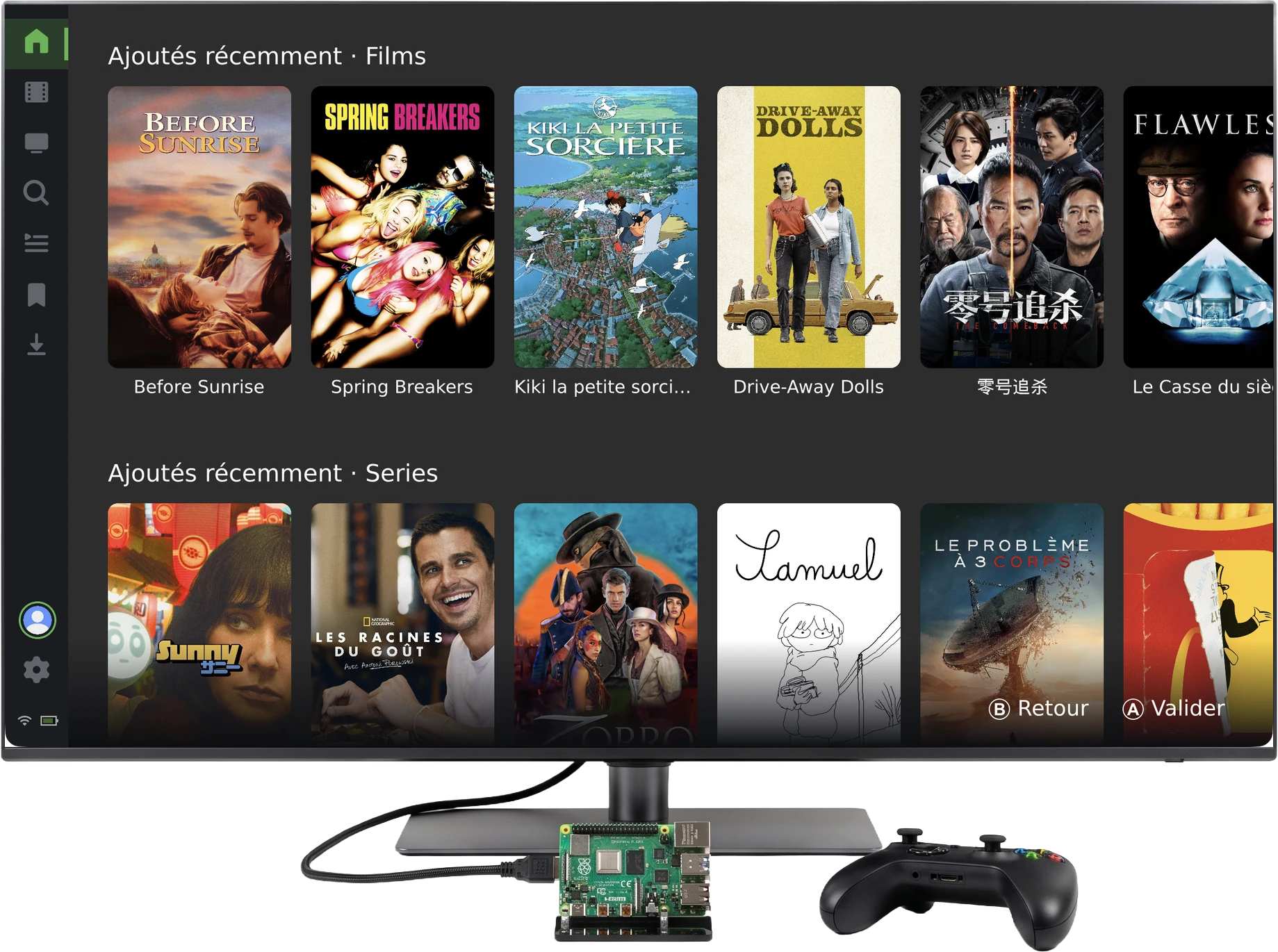
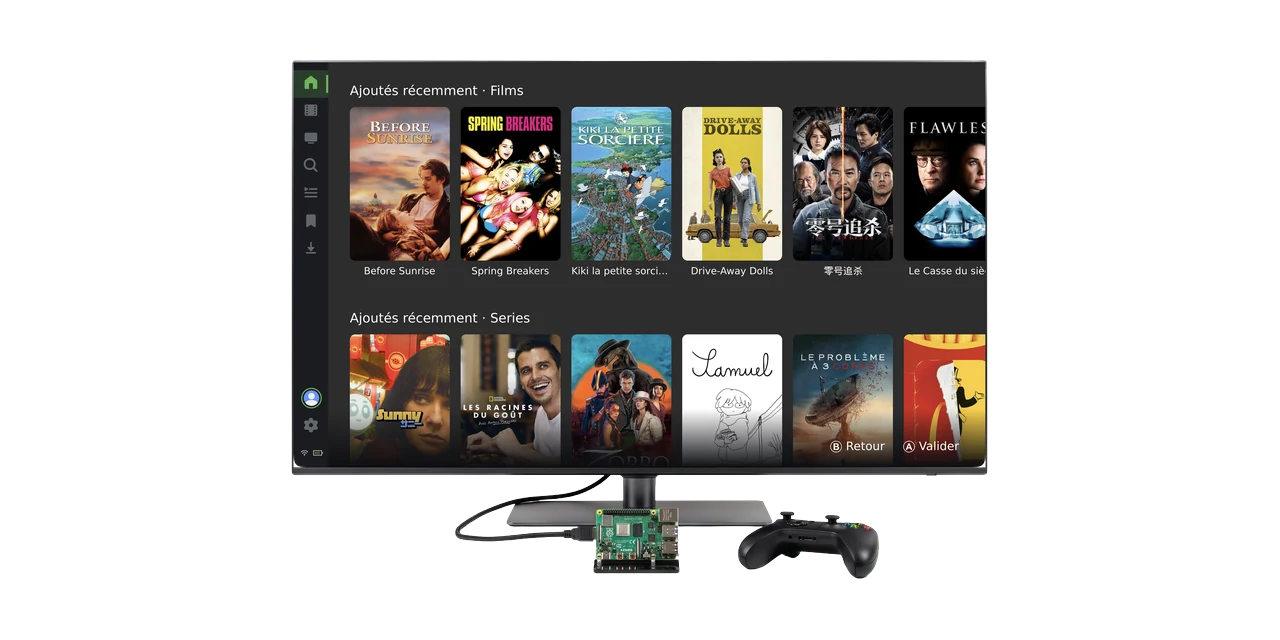
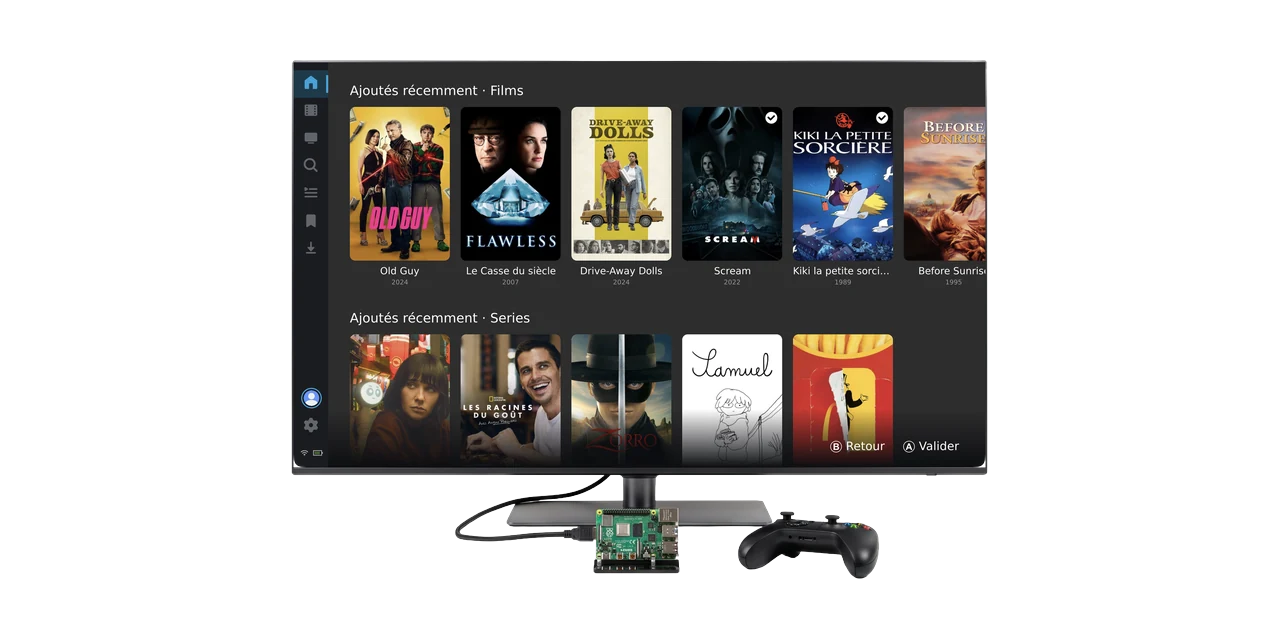
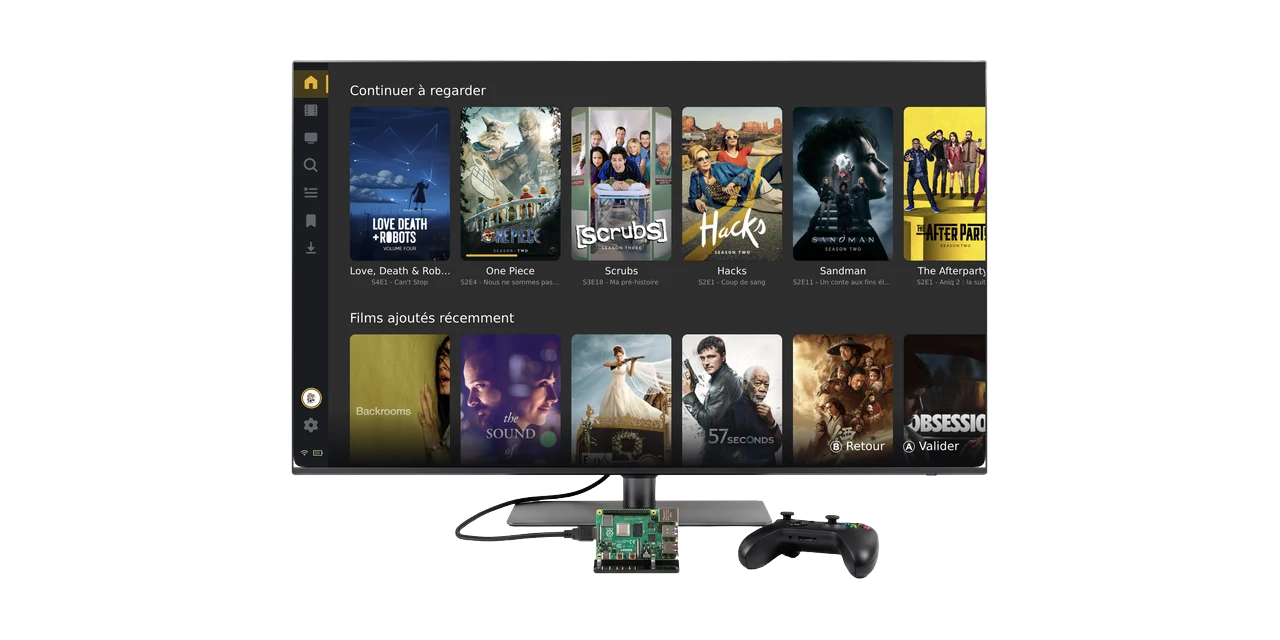
Living room
A Pi wired to the television plus any controller turns into a couch-ready media box. Flatpak for arm64 and x86_64.
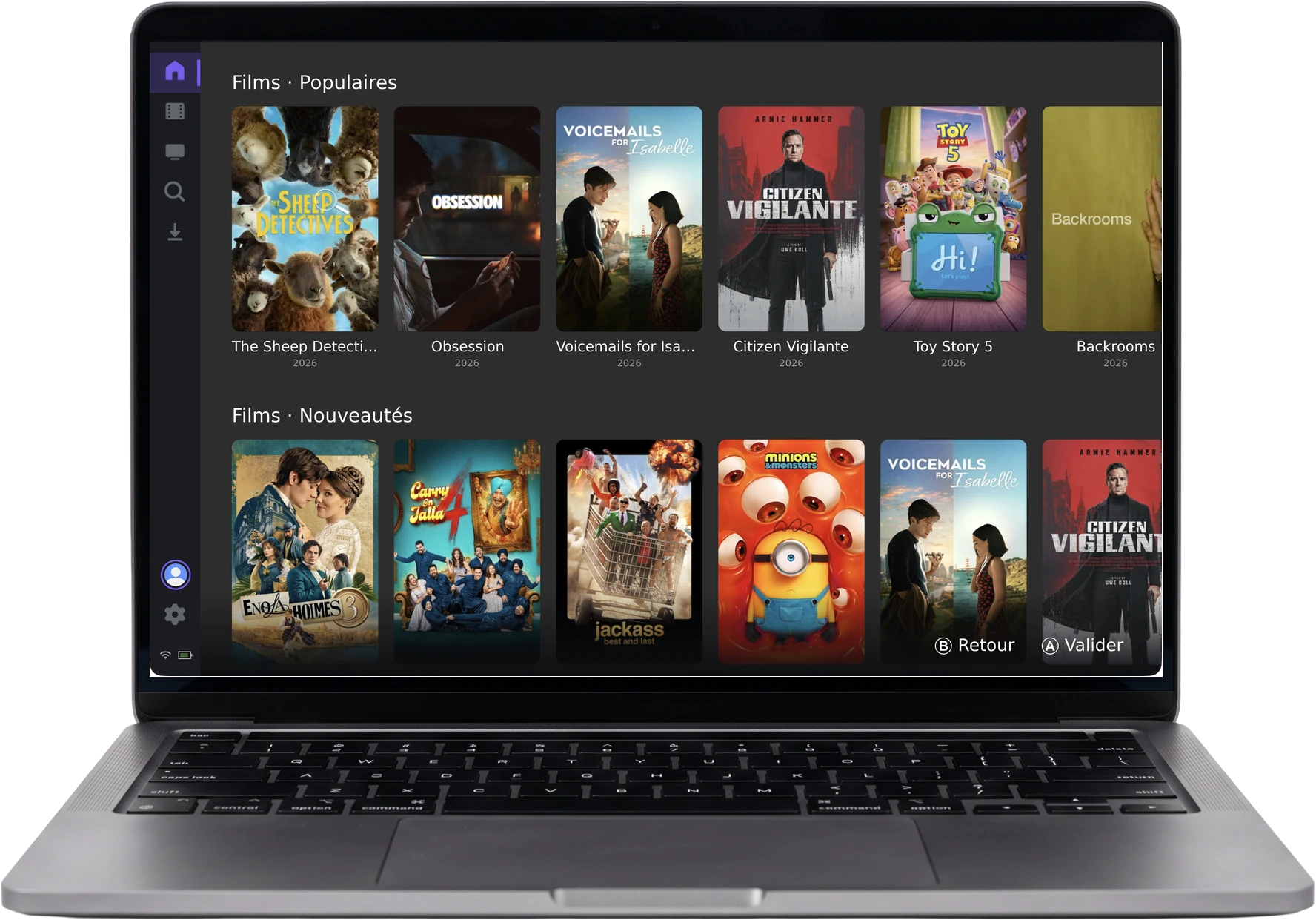
Desktop · laptop
The same app, on the computer you use every day. Plug in a pad, or drive the whole thing from the keyboard.
No browser, no web view. Compiled straight to each platform, with hardware playback, per-server theming and offline downloads.
Compiled per platform. No Electron, no browser tab. Cold-starts in a blink, even on nine-year-old silicon.
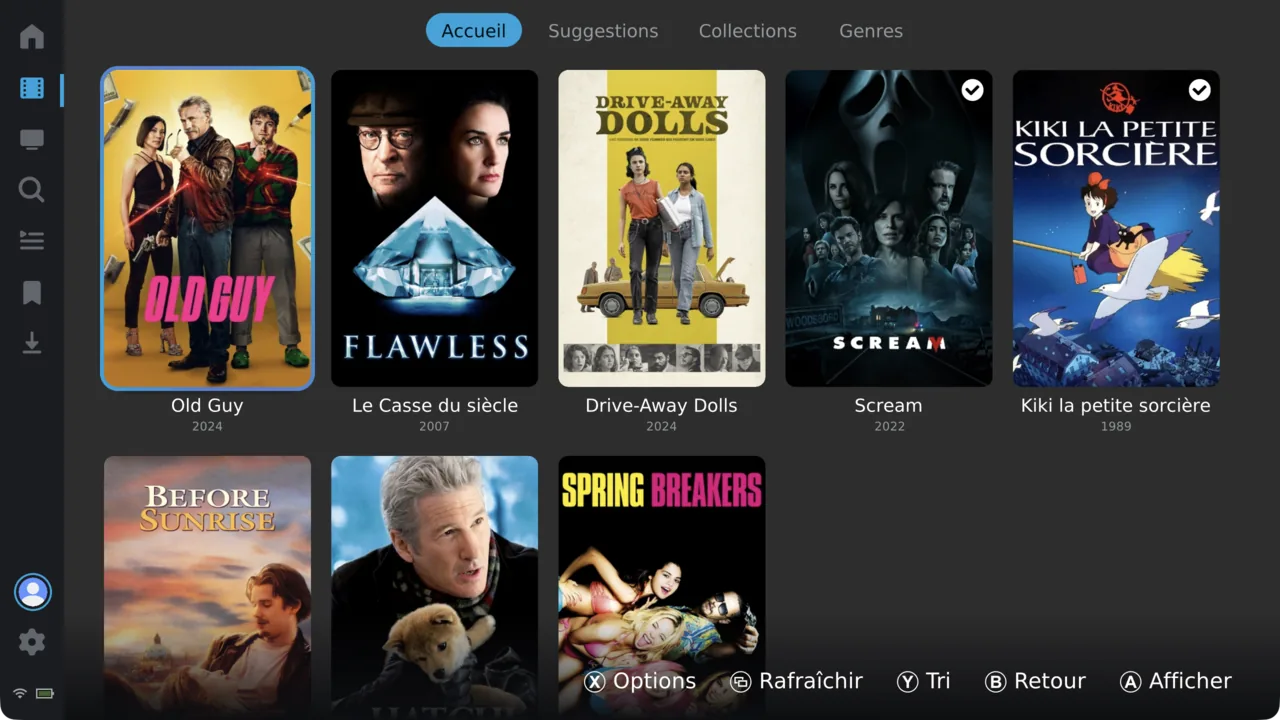
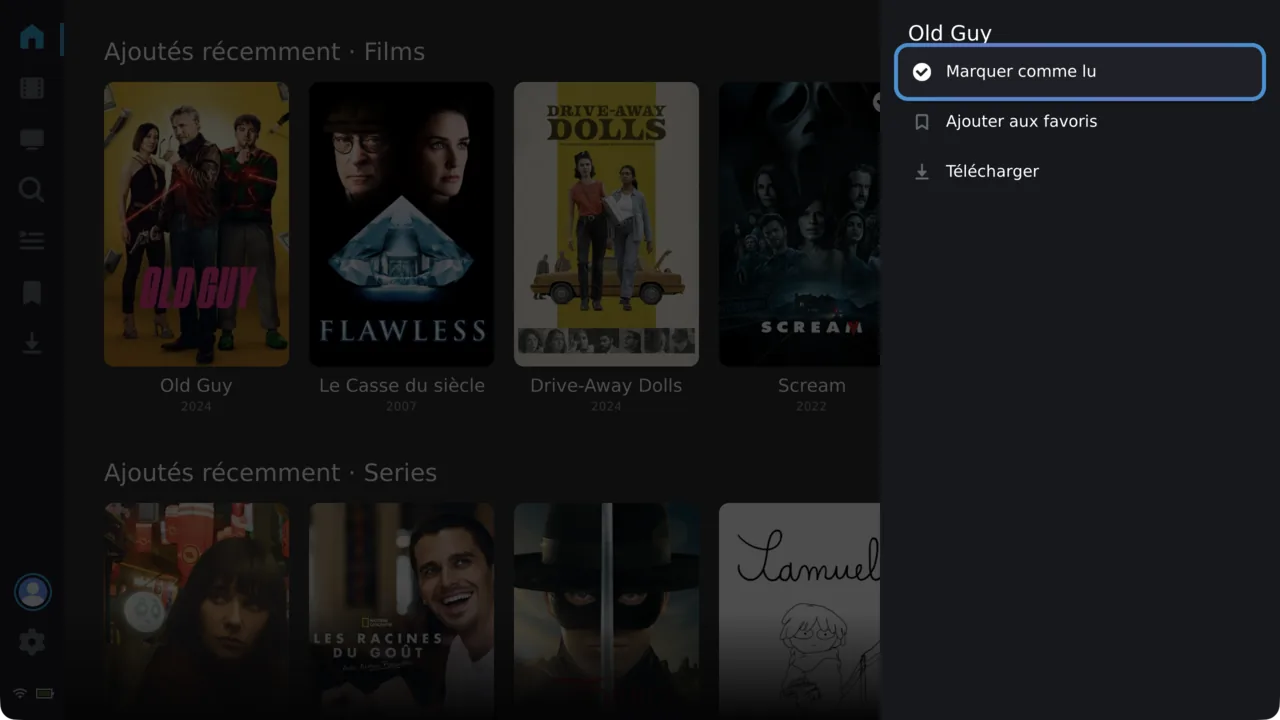
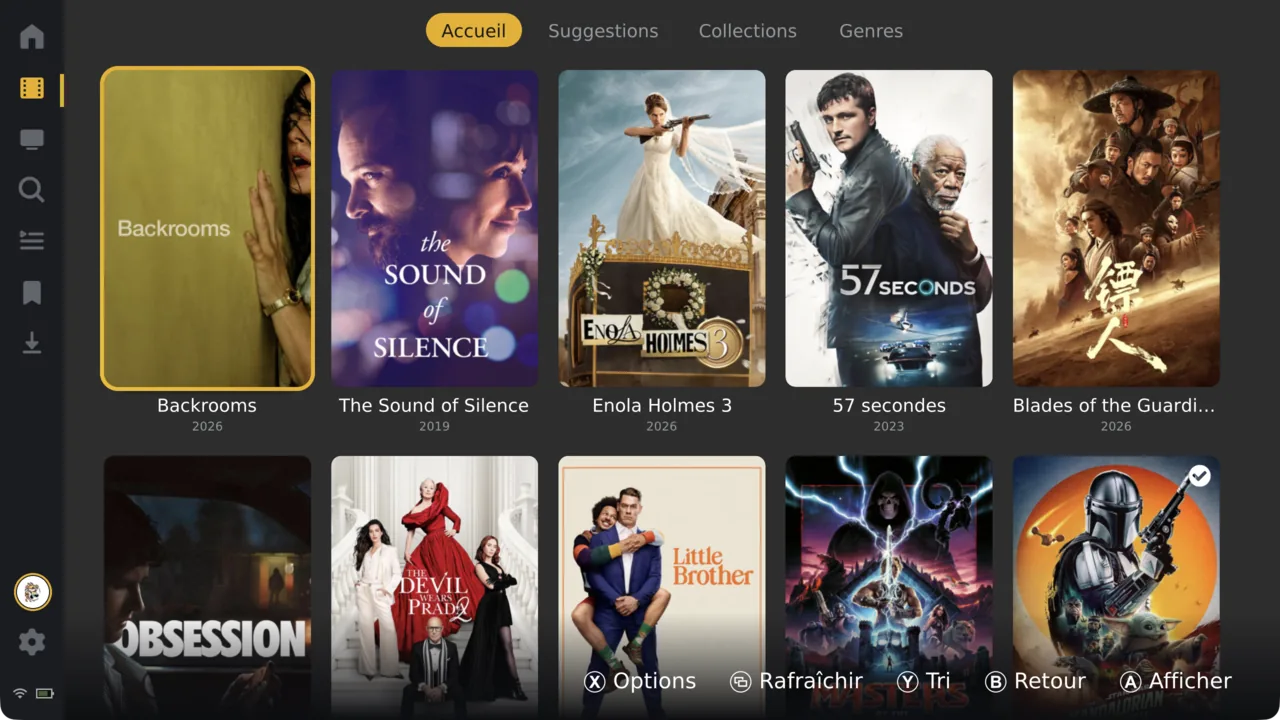
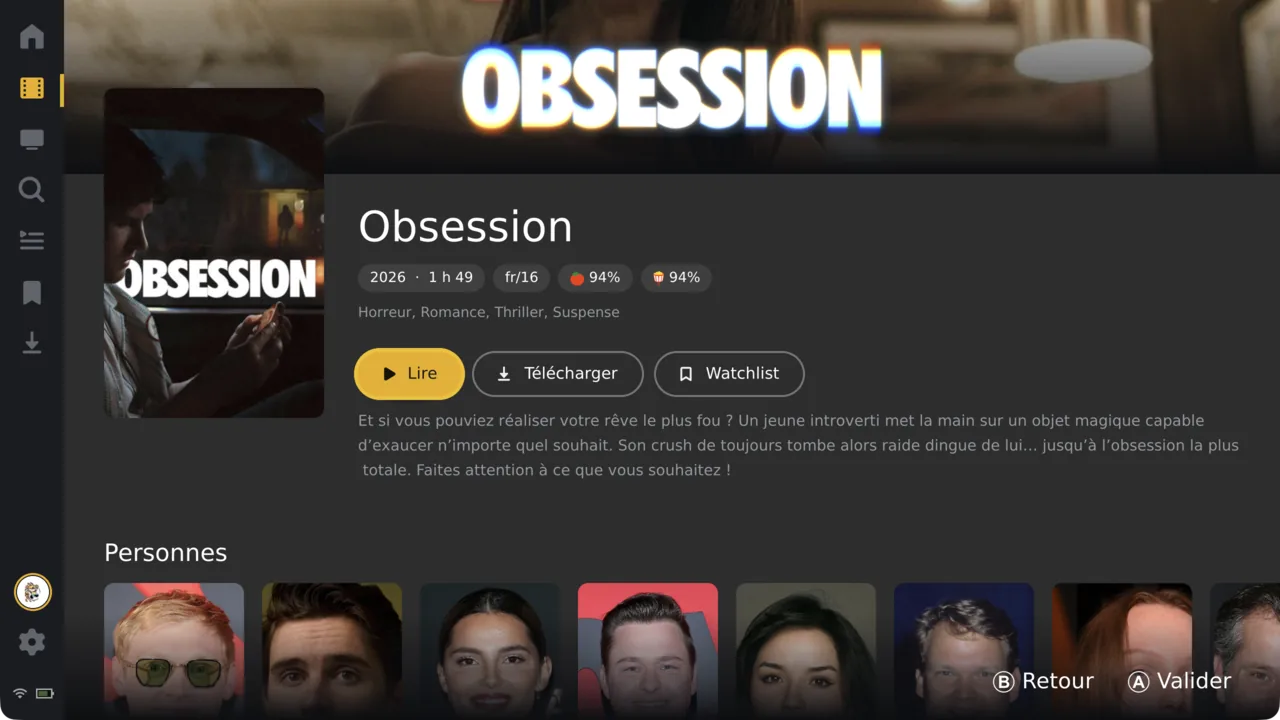
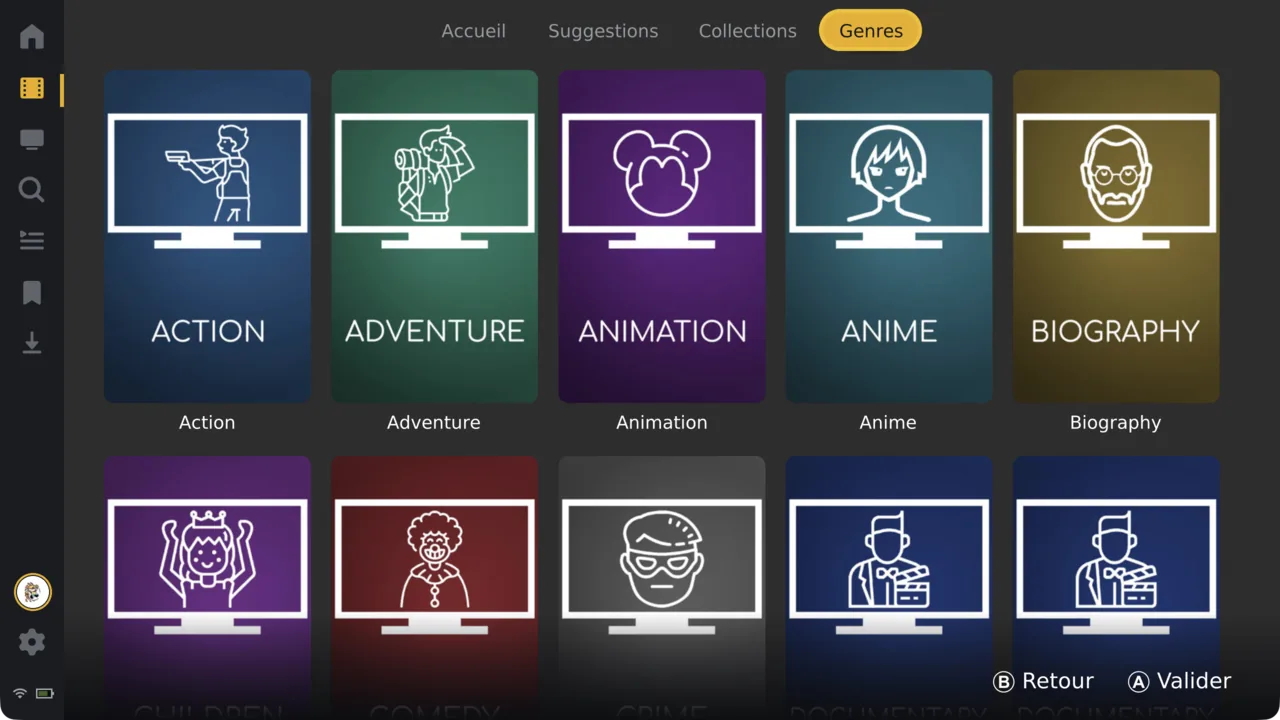
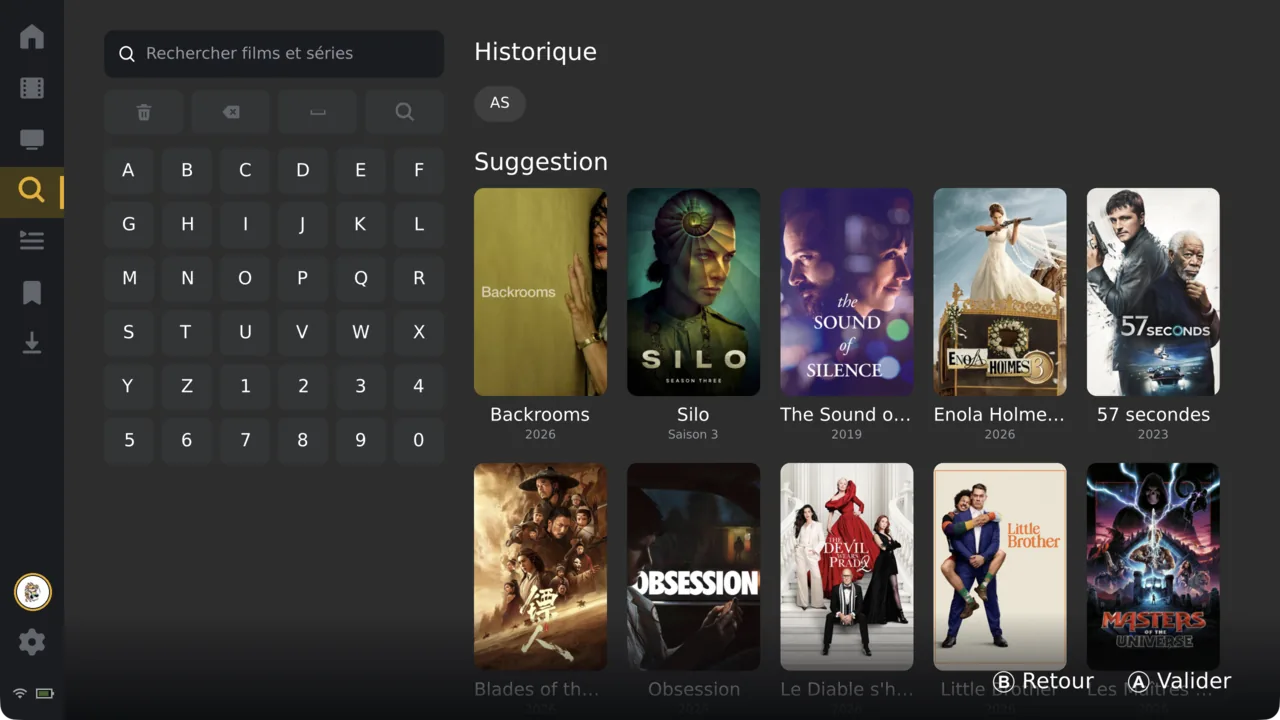
Every screen is laid out for a stick and four buttons. A confirms, B goes back, everywhere.
The mpv engine under the hood: hardware decode, subtitles and the formats that just work.
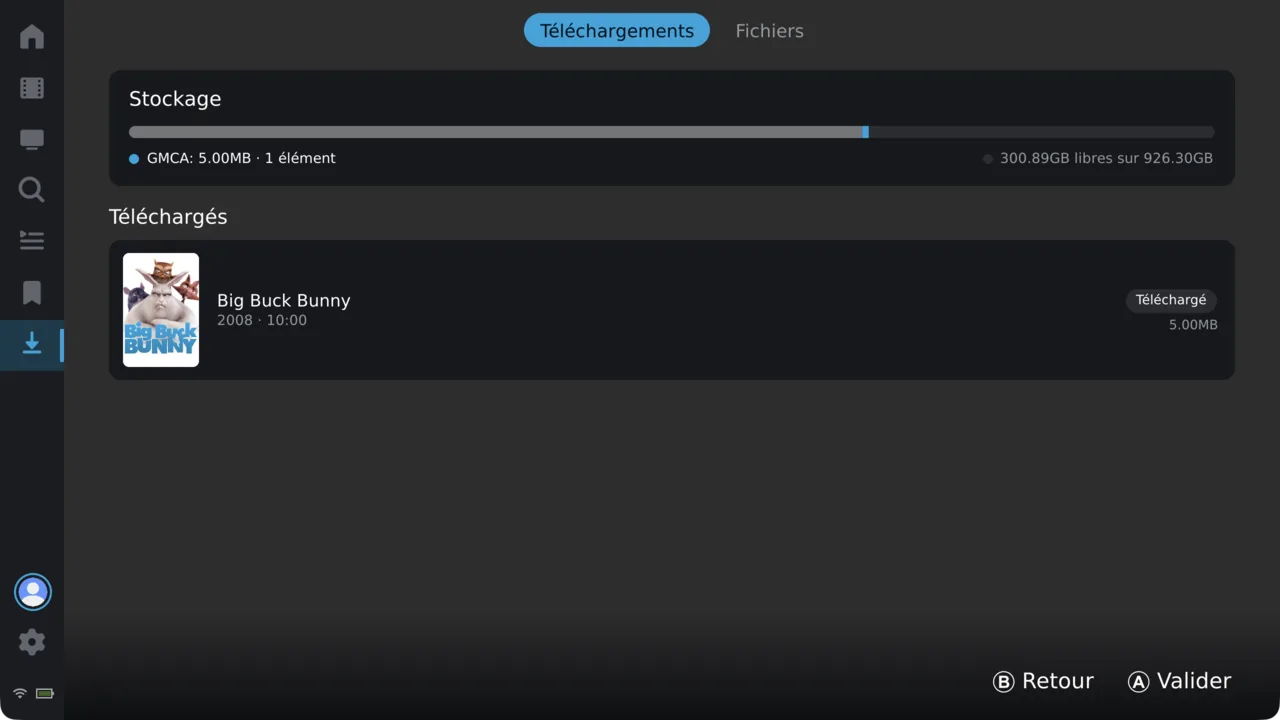
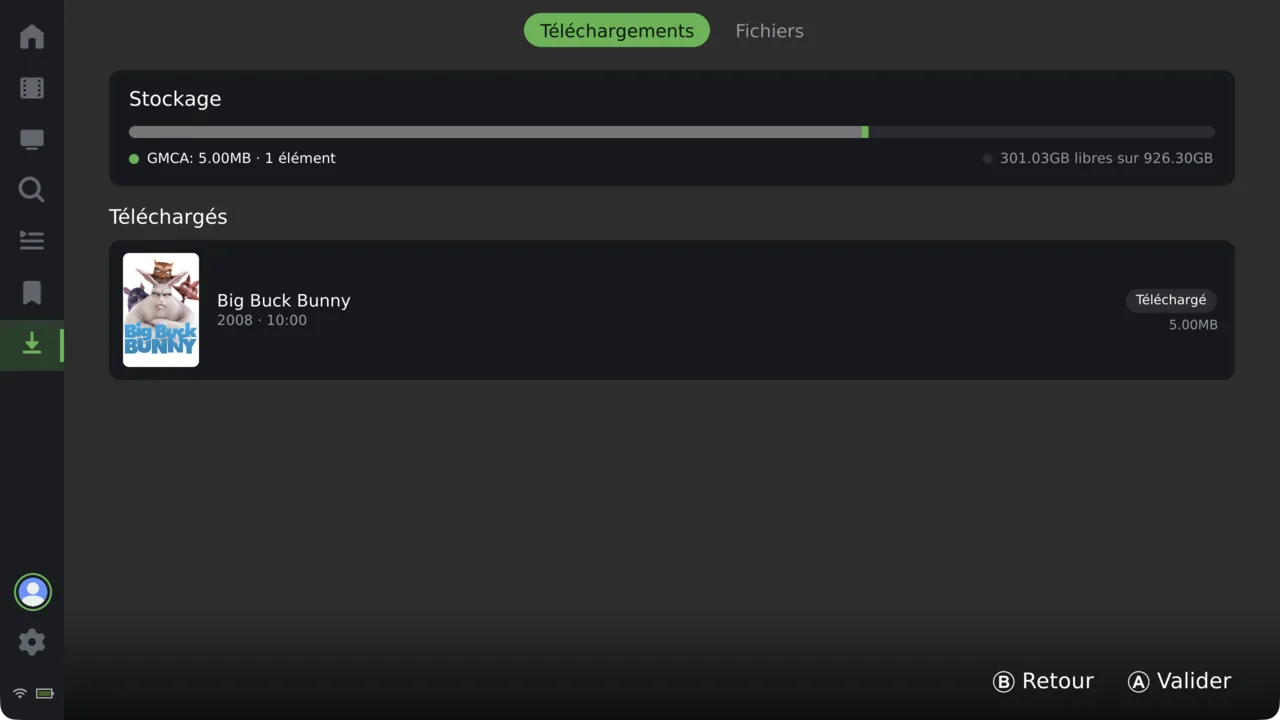
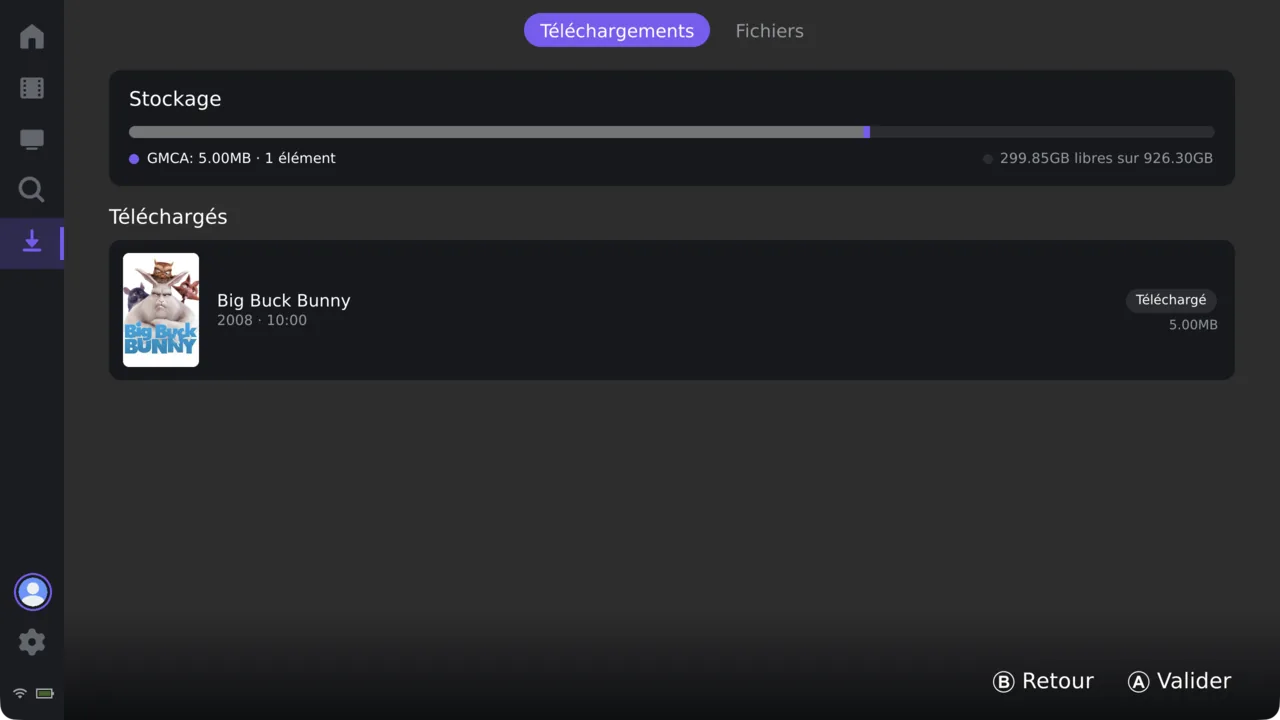
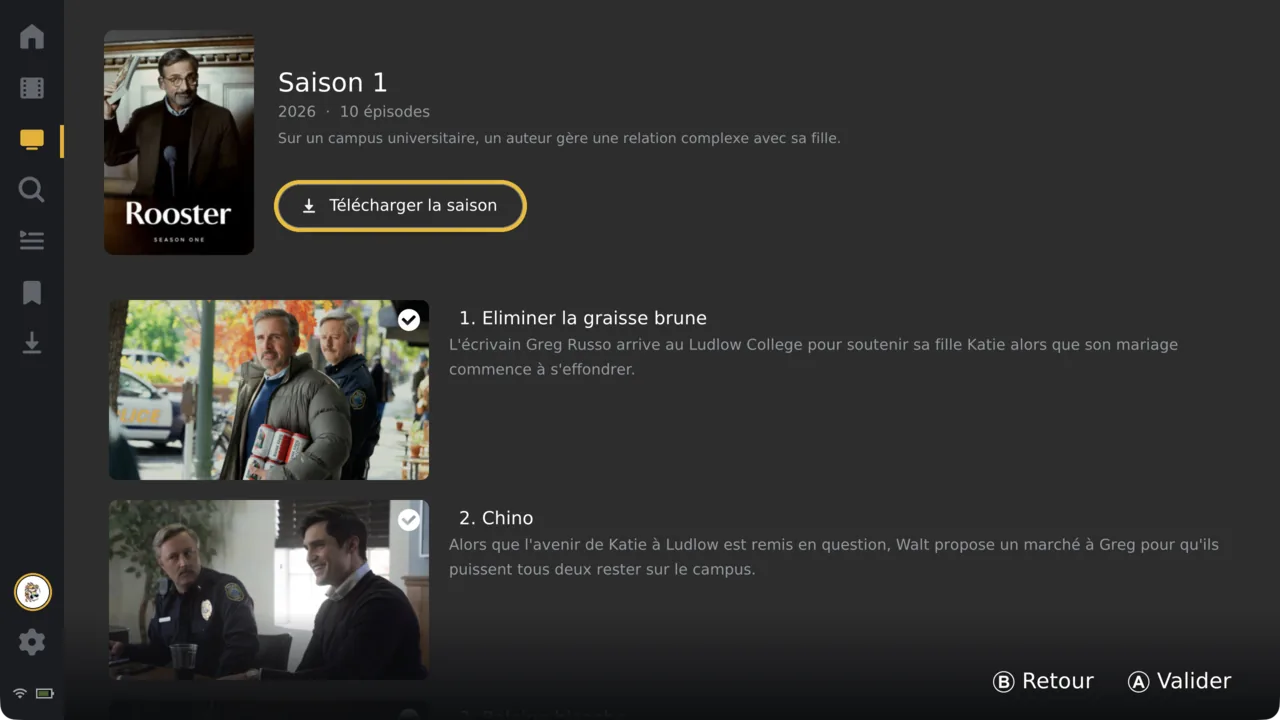
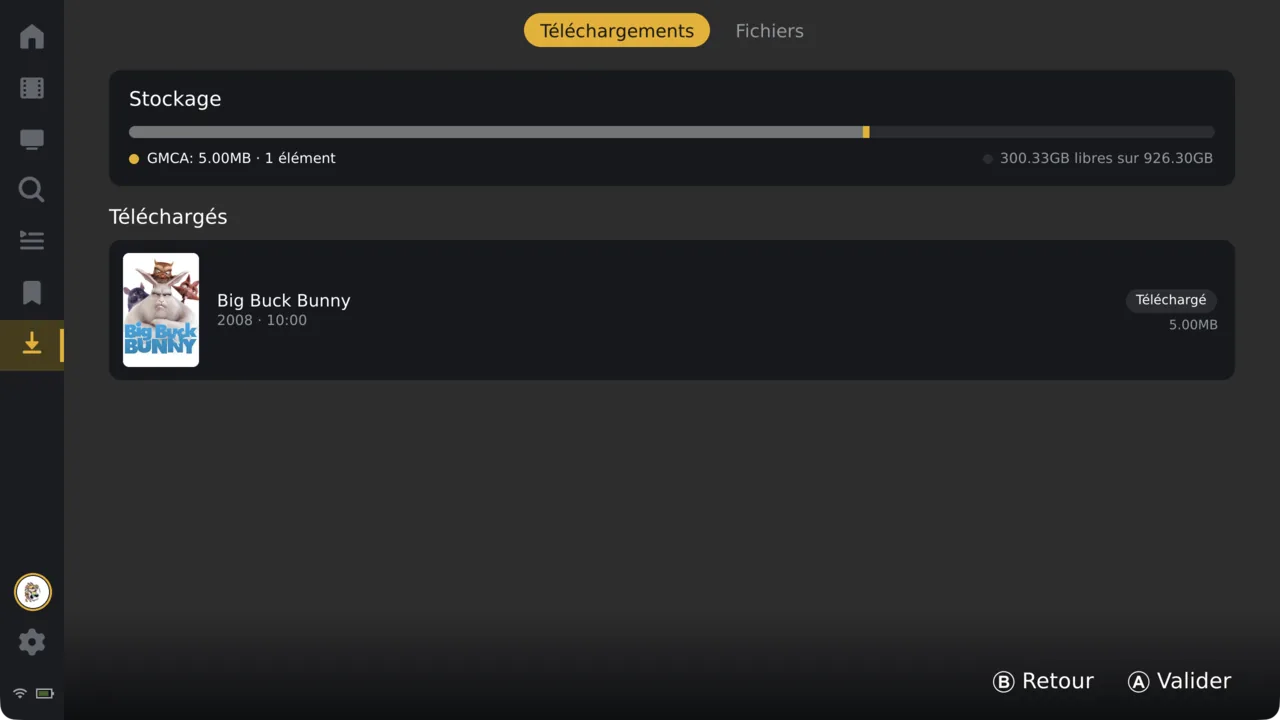
Pull episodes to the device and watch on the train. Watch-state syncs back when you reconnect.
Fully translated across fourteen locales. Every string, never machine-guessed.
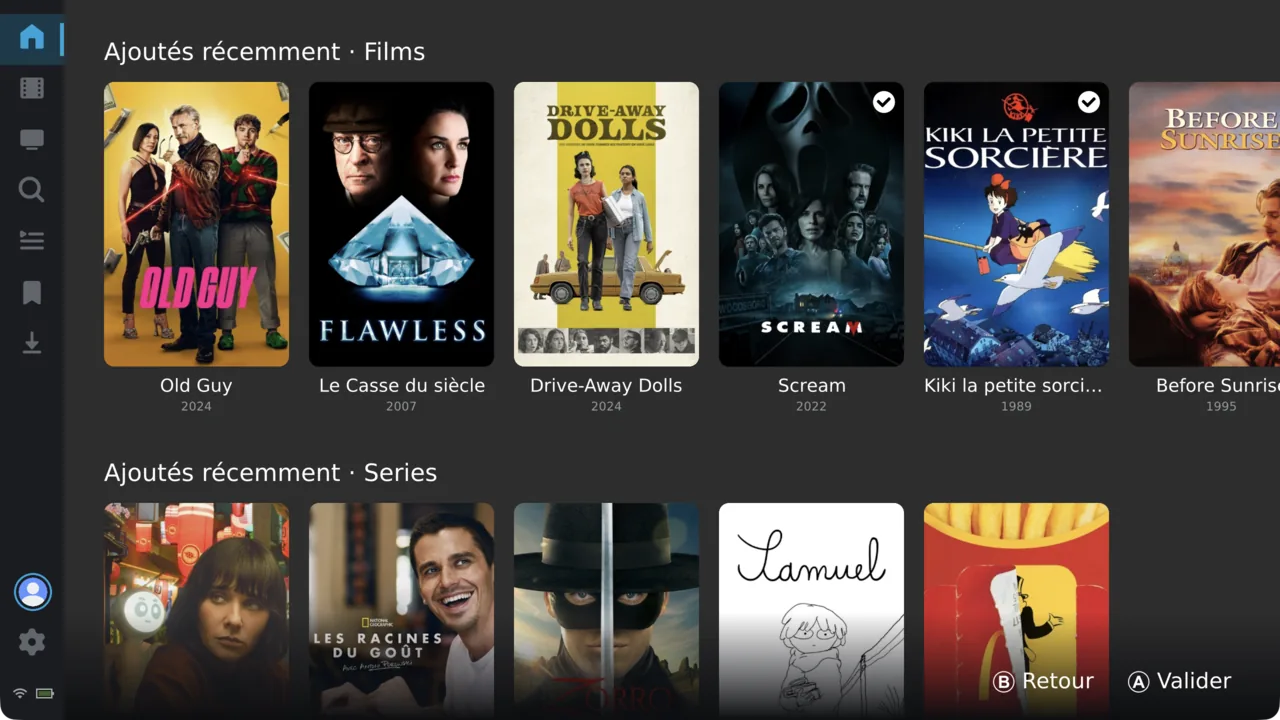
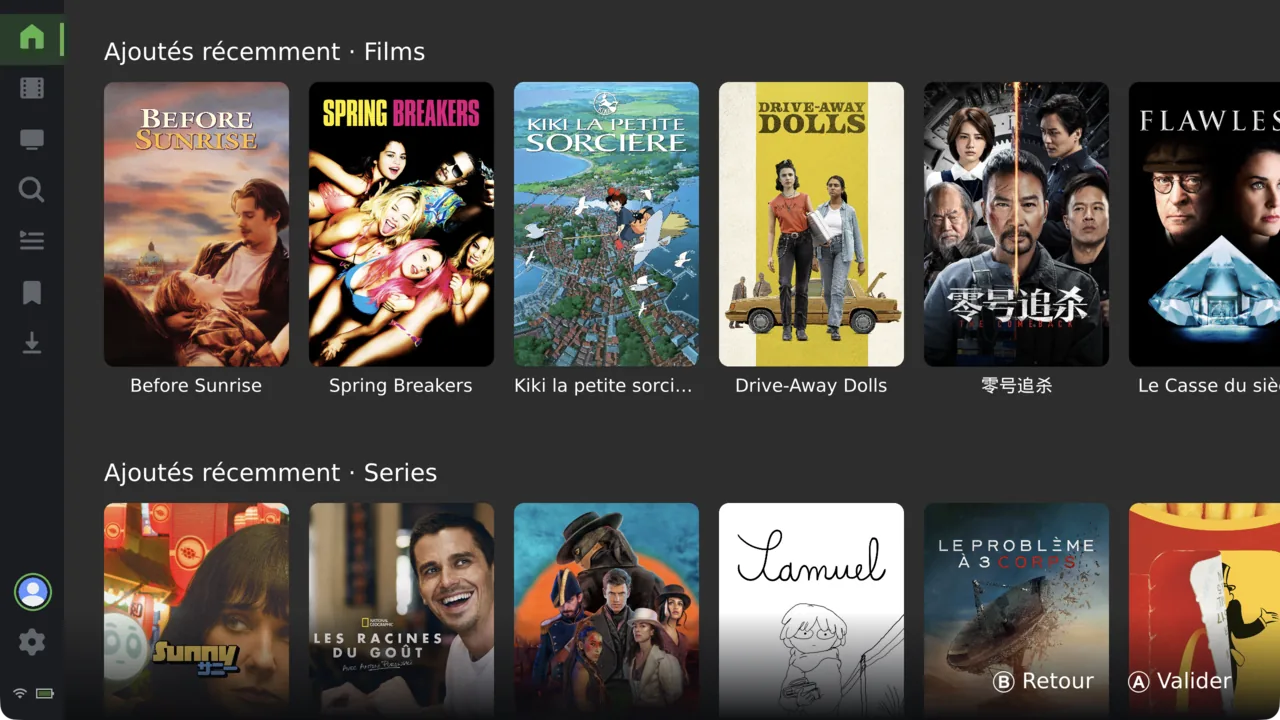
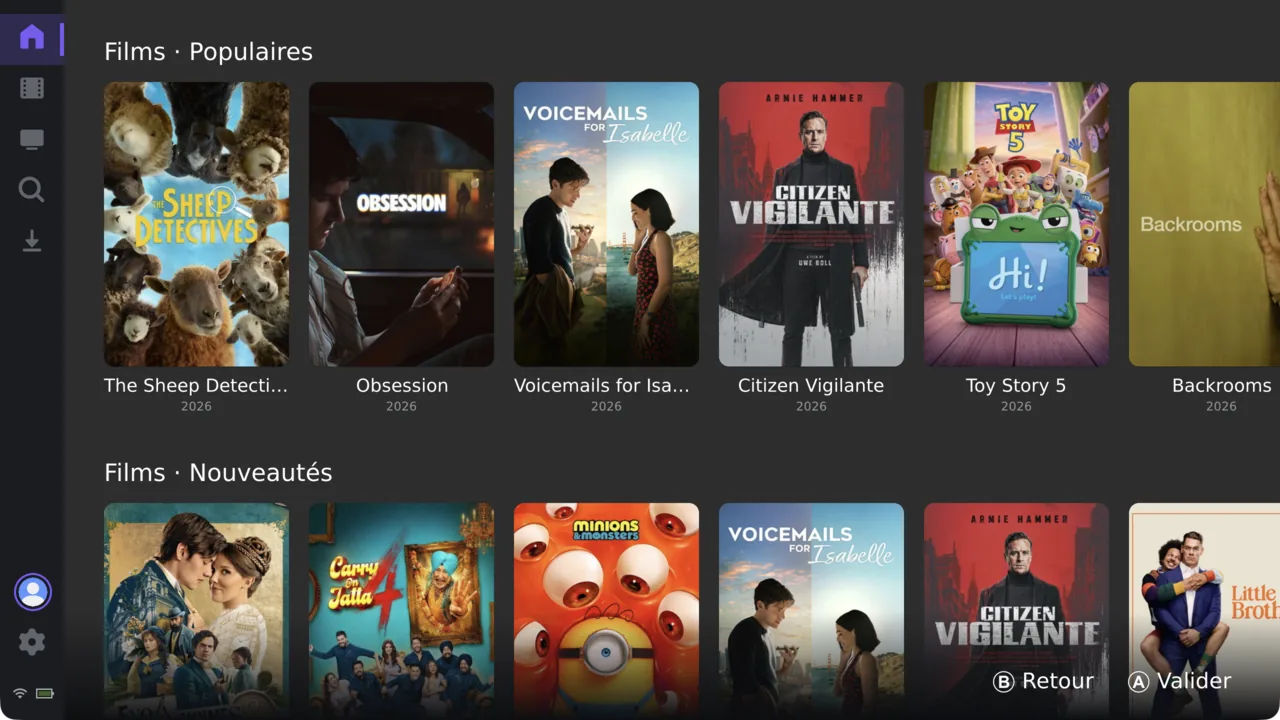
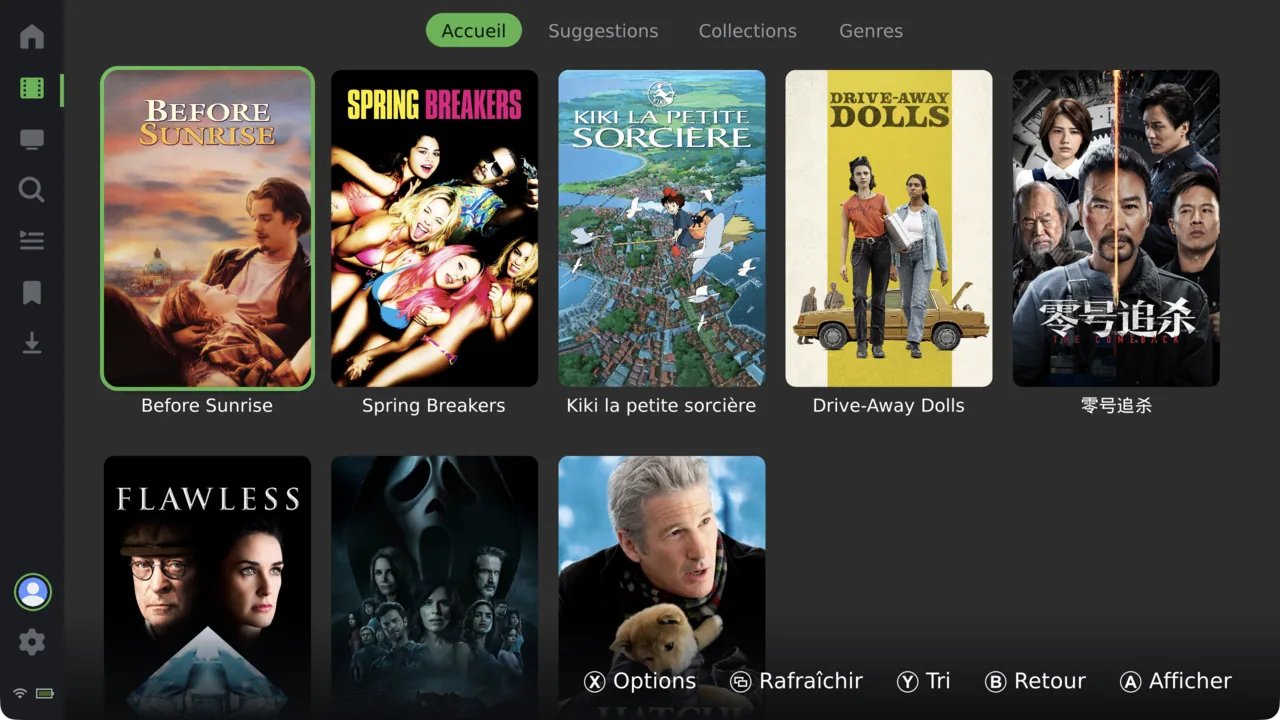
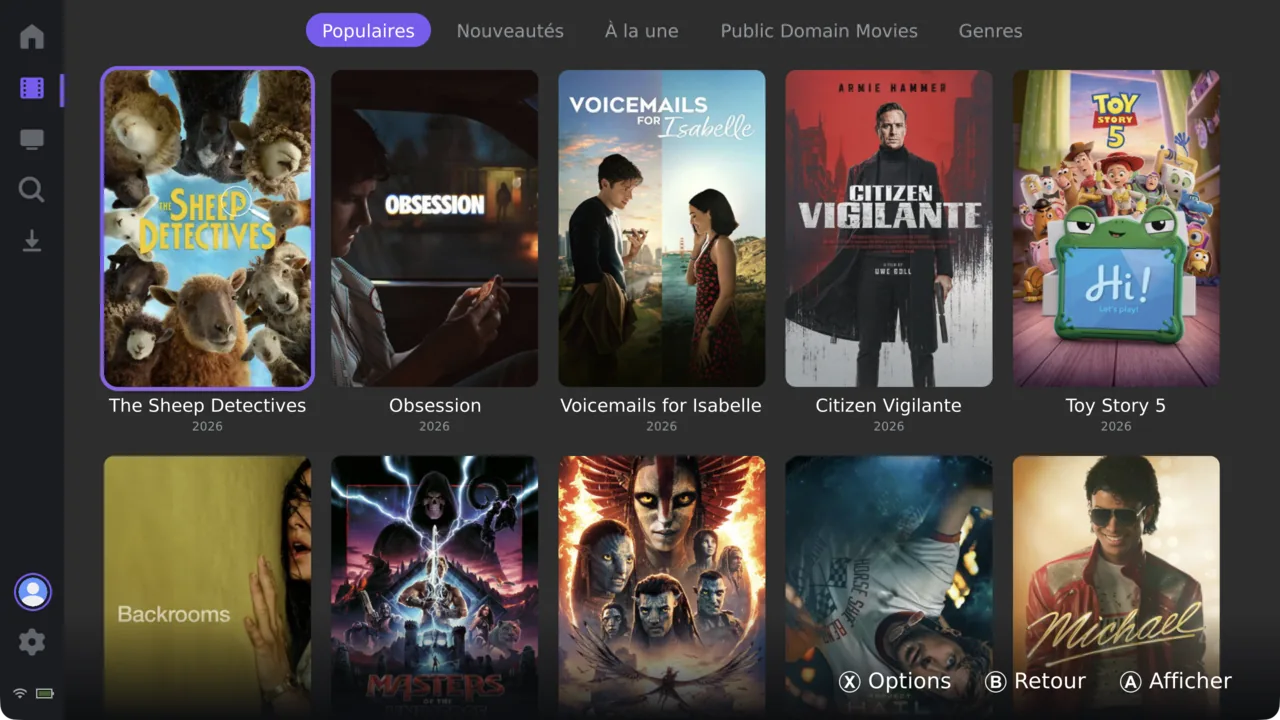
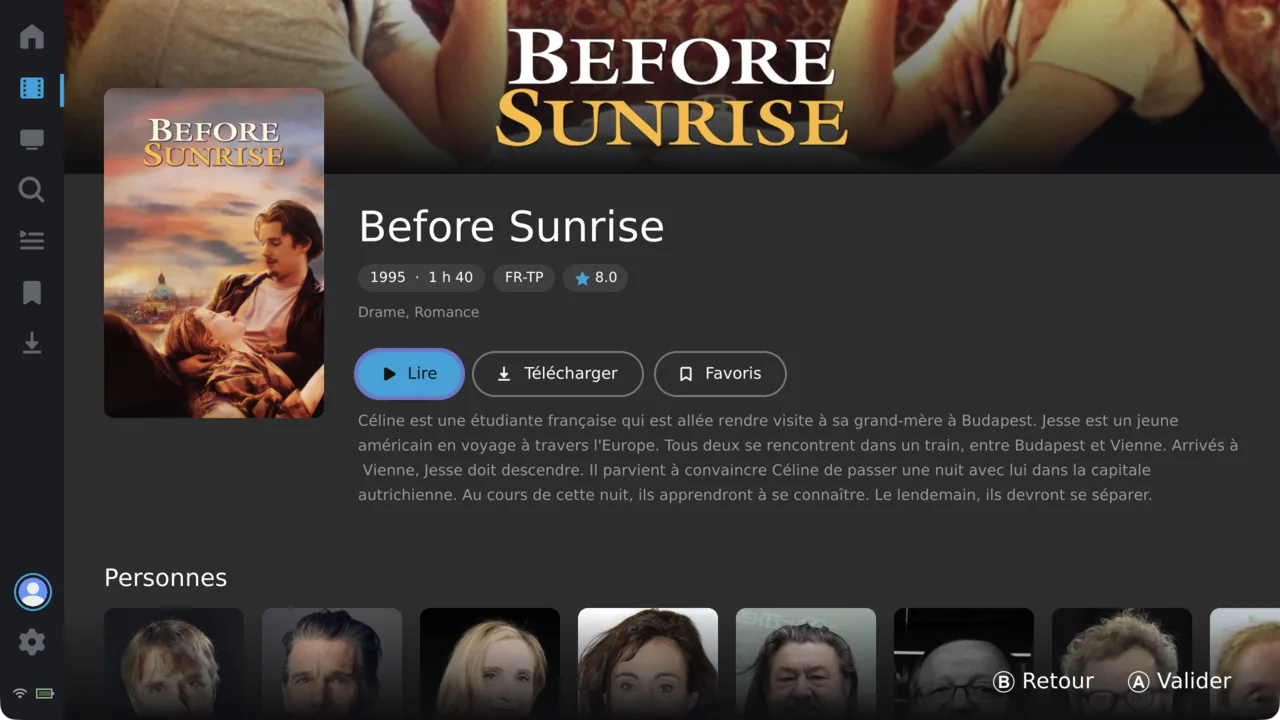
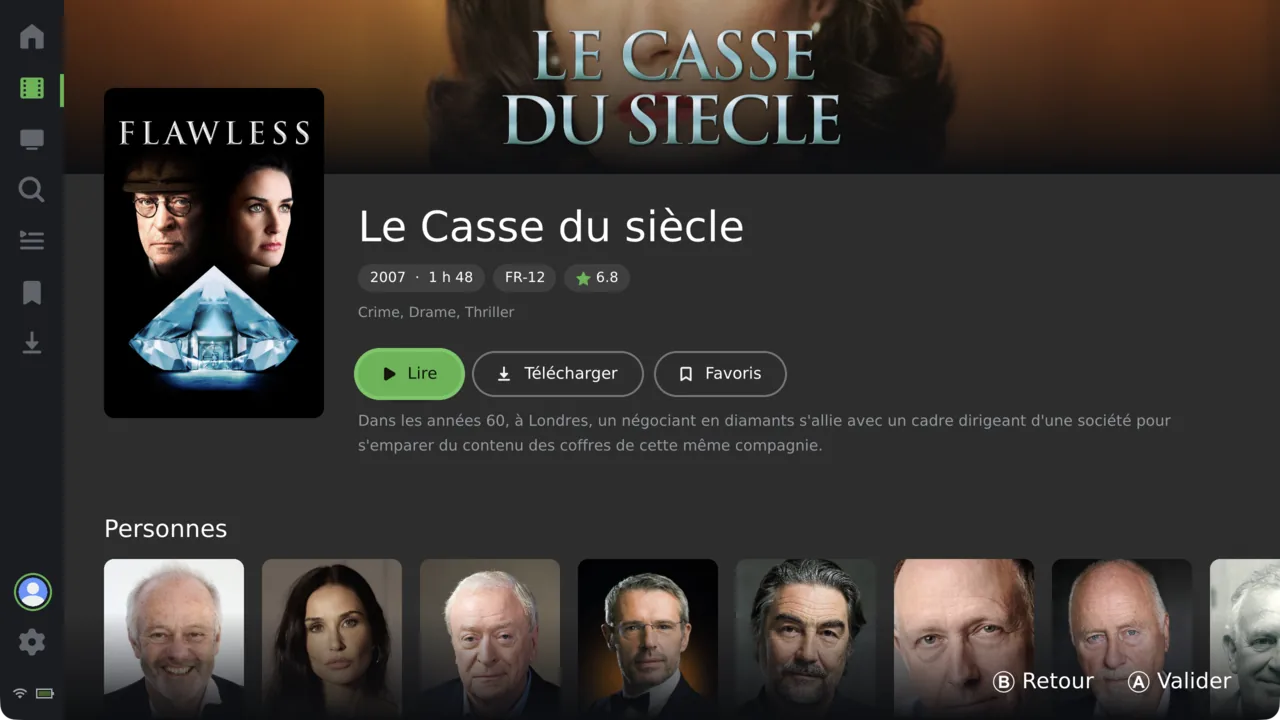
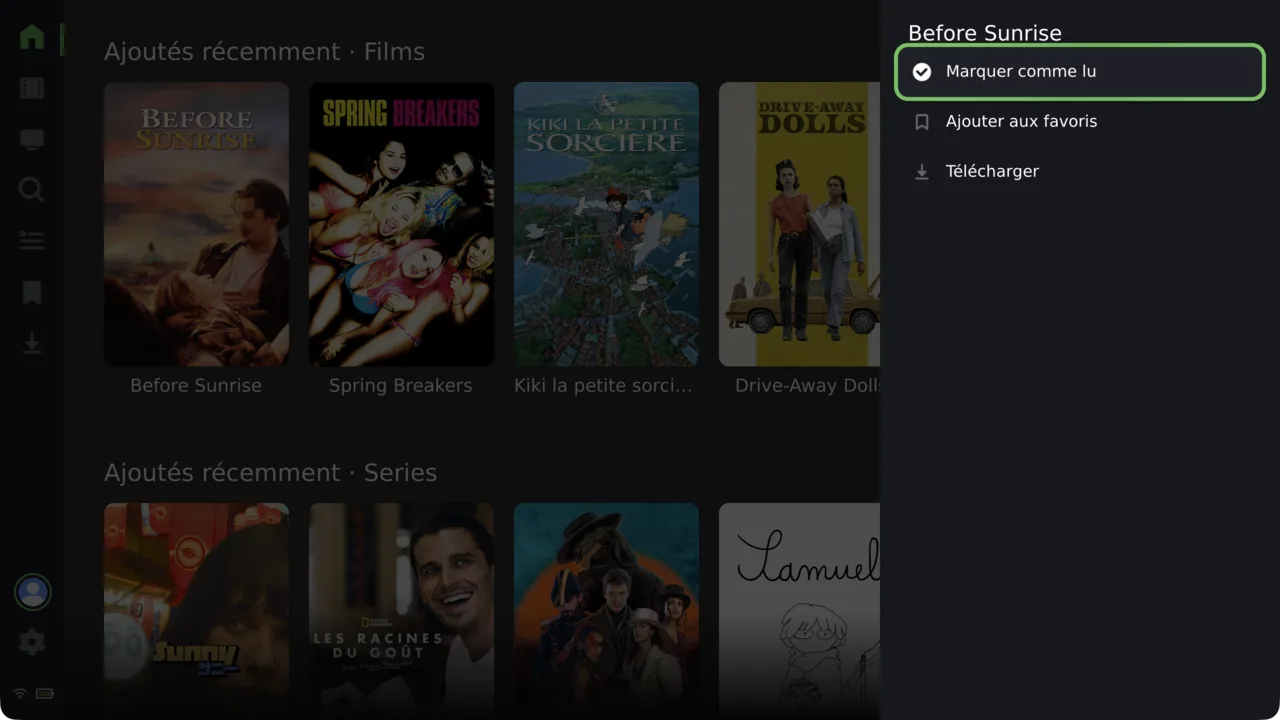
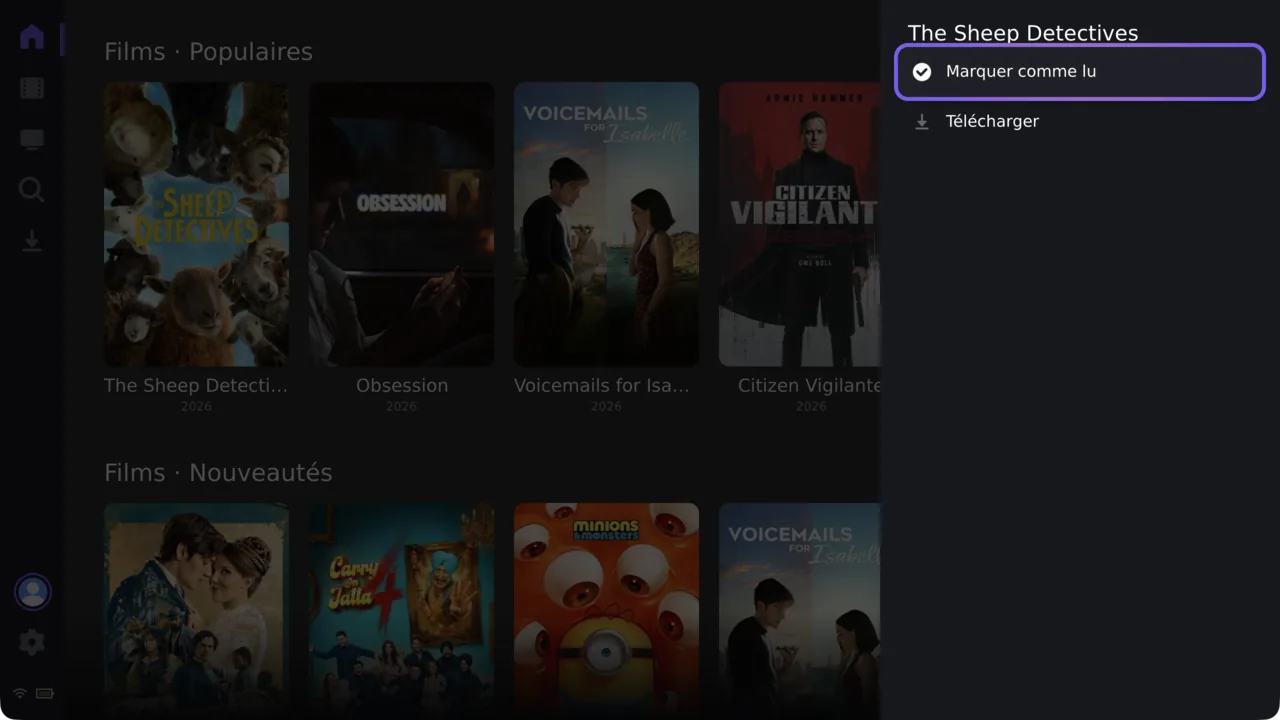
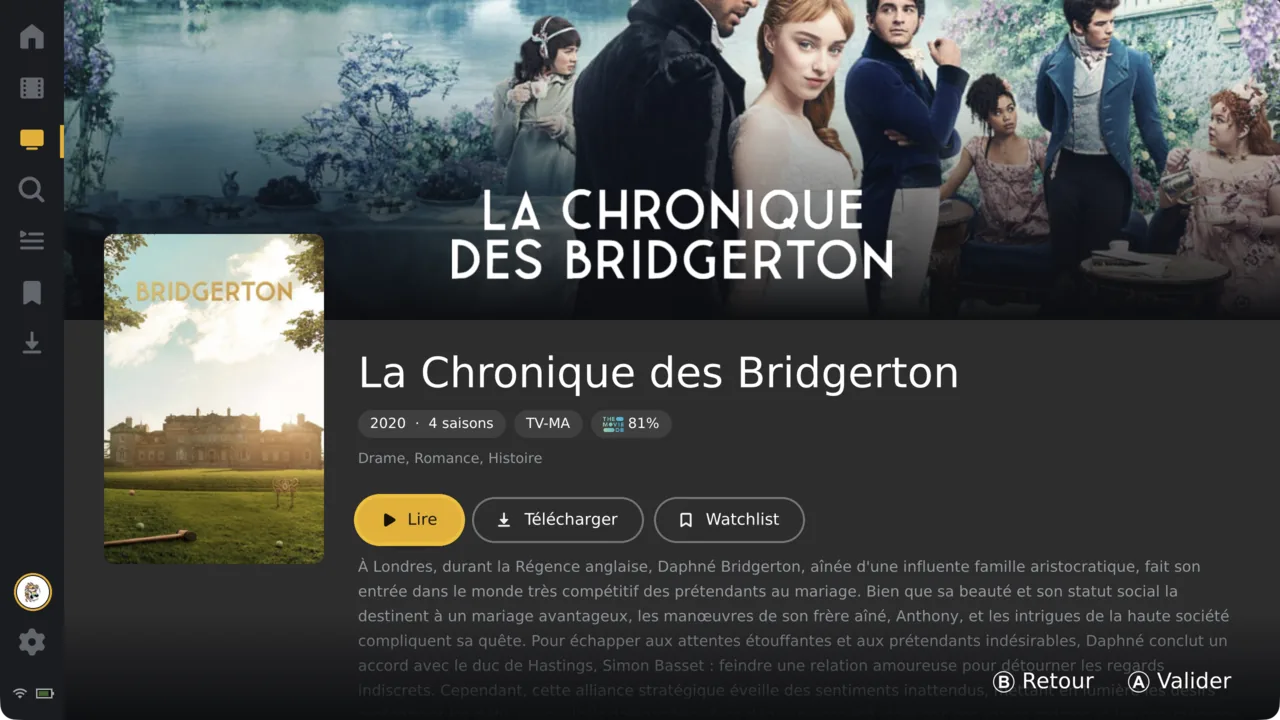
The accent follows the source: Plex amber, Jellyfin cyan, Emby green, Stremio violet.
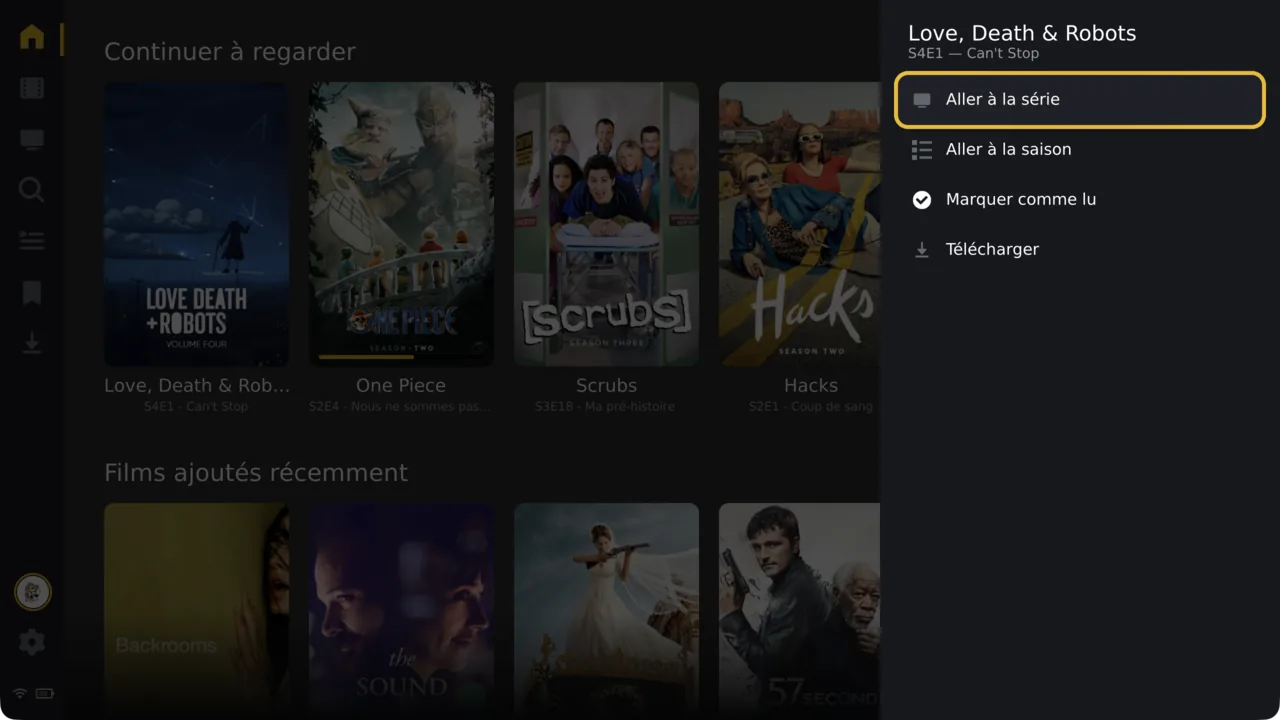
Keep every server and account side by side. Hop between them from one avatar, no re-login.
The interface changes with the server. Watchlist, favourites and collections show up only where they exist.
One interface across every source. The same layout serves a Plex library, a Jellyfin series, an Emby film and a Stremio catalogue.
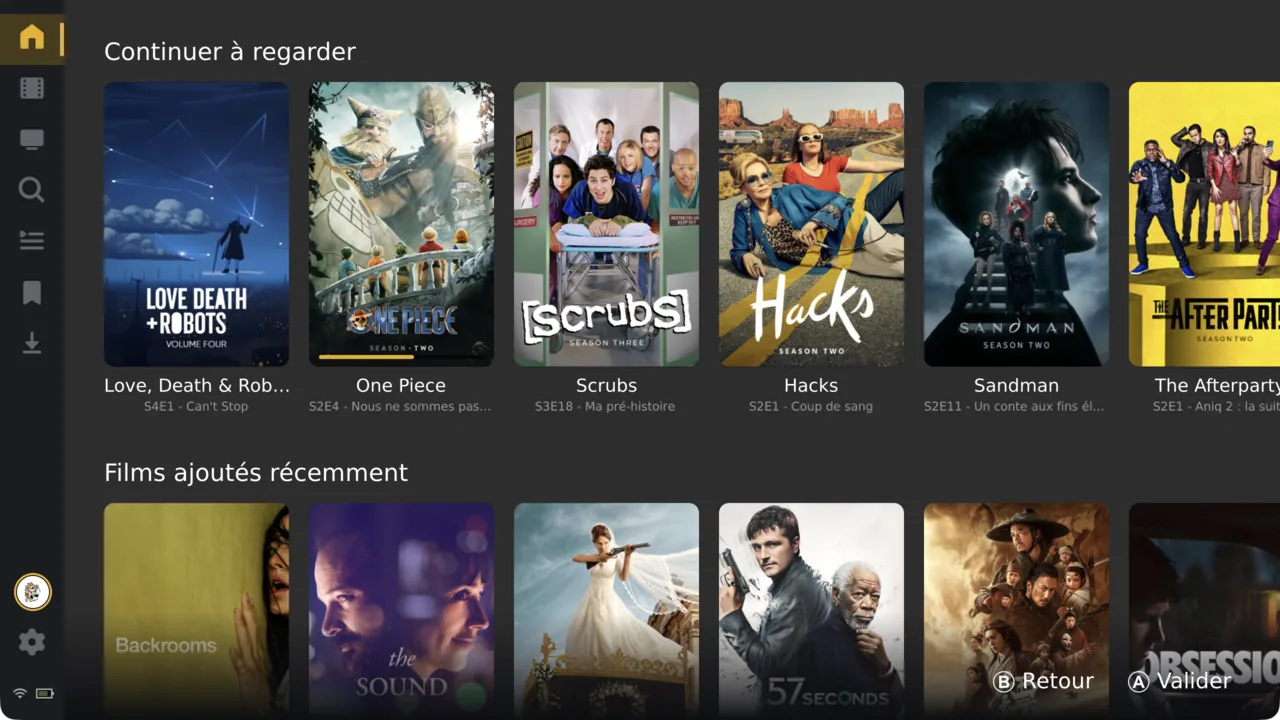
Grab the release for your device from GitHub. Every tag ships builds for all supported platforms.
SWITCH · VITA · PI · DESKTOP
Add Plex, Jellyfin, Emby or Stremio, or a plain file share. Add as many as you like.
PLEX · JELLYFIN · EMBY · STREMIO
Pick up any gamepad and press A — you're in, browsing a couch-ready interface.
GAMEPAD-FIRST